Drill record review
Reviews backup identification, integrity, isolation, restore completion, data validation and application checks.
Day 046 / DevOps / Recovery
A dependency-free Python CLI that reviews recorded restore-drill checks and highlights failed or unverified recovery steps.
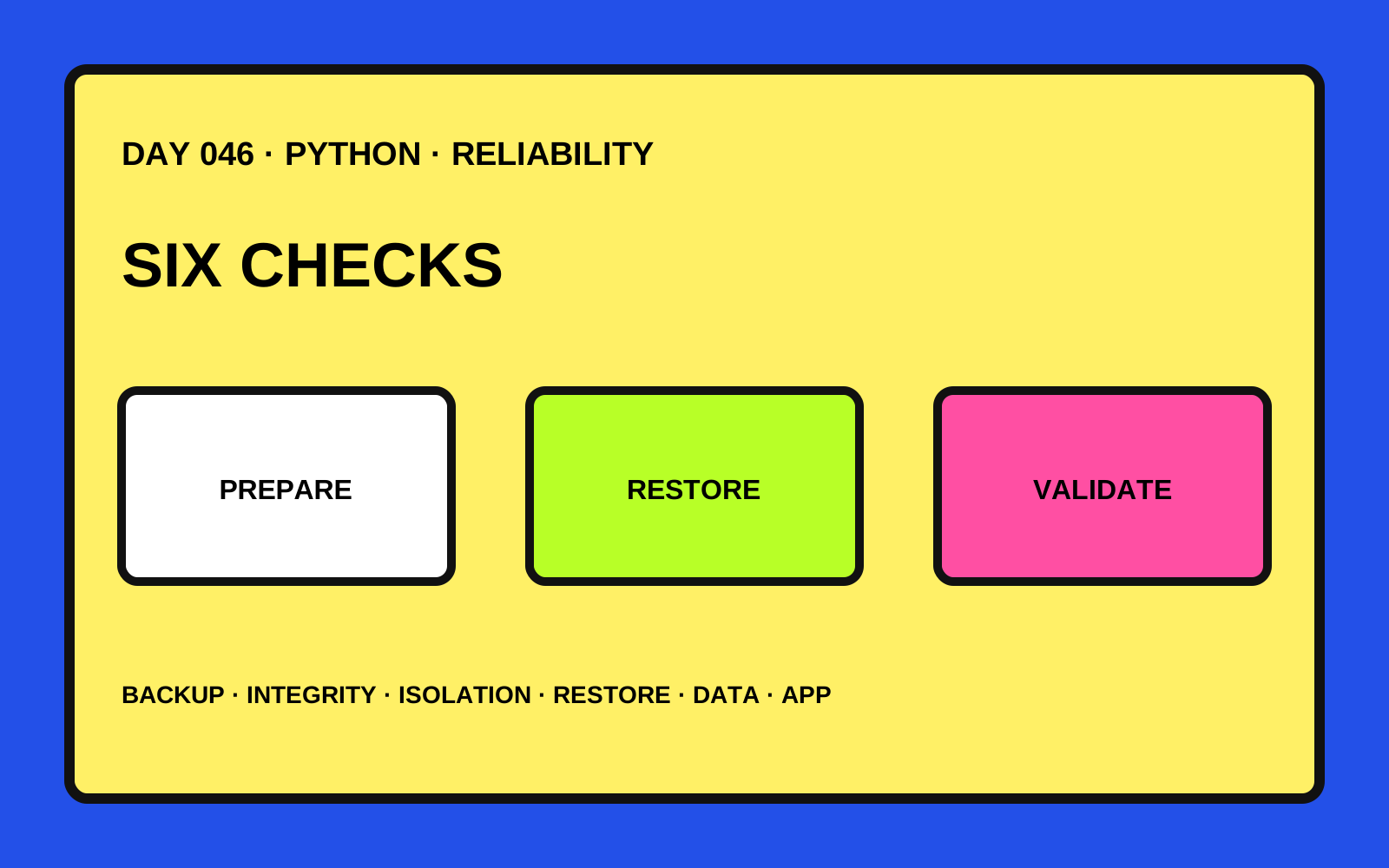
Reviews backup identification, integrity, isolation, restore completion, data validation and application checks.
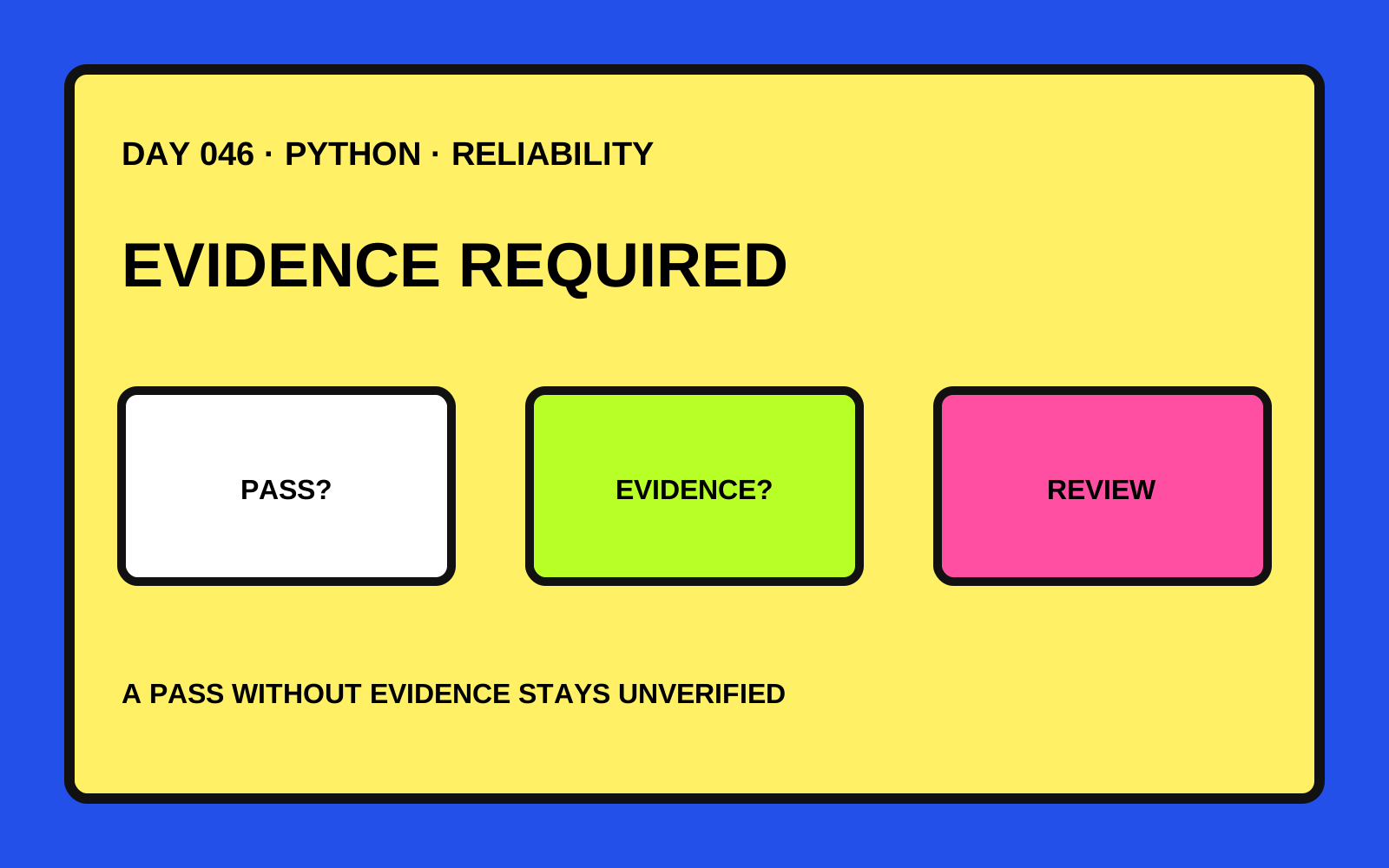
A declared pass needs a boolean evidence-recorded flag; failures and gaps remain visible.
Emits fixed check labels and states without copying arbitrary notes or extra record fields.
Six fixed restore-drill checks
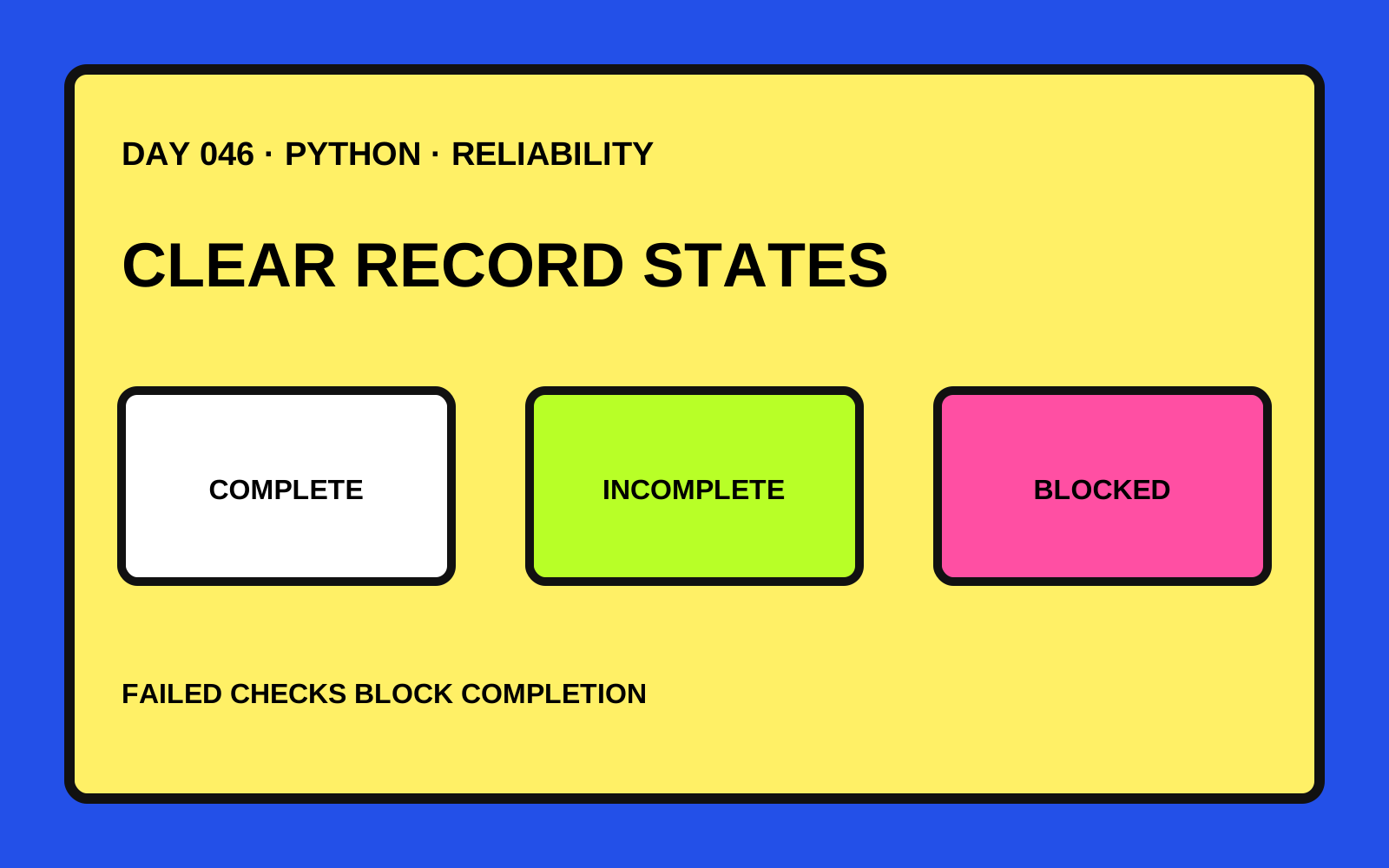
Pass, fail and unverified states
Evidence required for declared passes
Complete, incomplete and blocked roll-ups
Ordered next-check list
One-MiB input boundary
Text and JSON reports
Eleven standard-library tests
Argparse, pathlib and JSON provide a dependency-free local CLI.
Rejects unsupported check IDs, invalid states and non-boolean evidence flags, with bounded file reads.
Eleven tests cover completion, failures, missing evidence, privacy boundaries, input size and CLI JSON output.