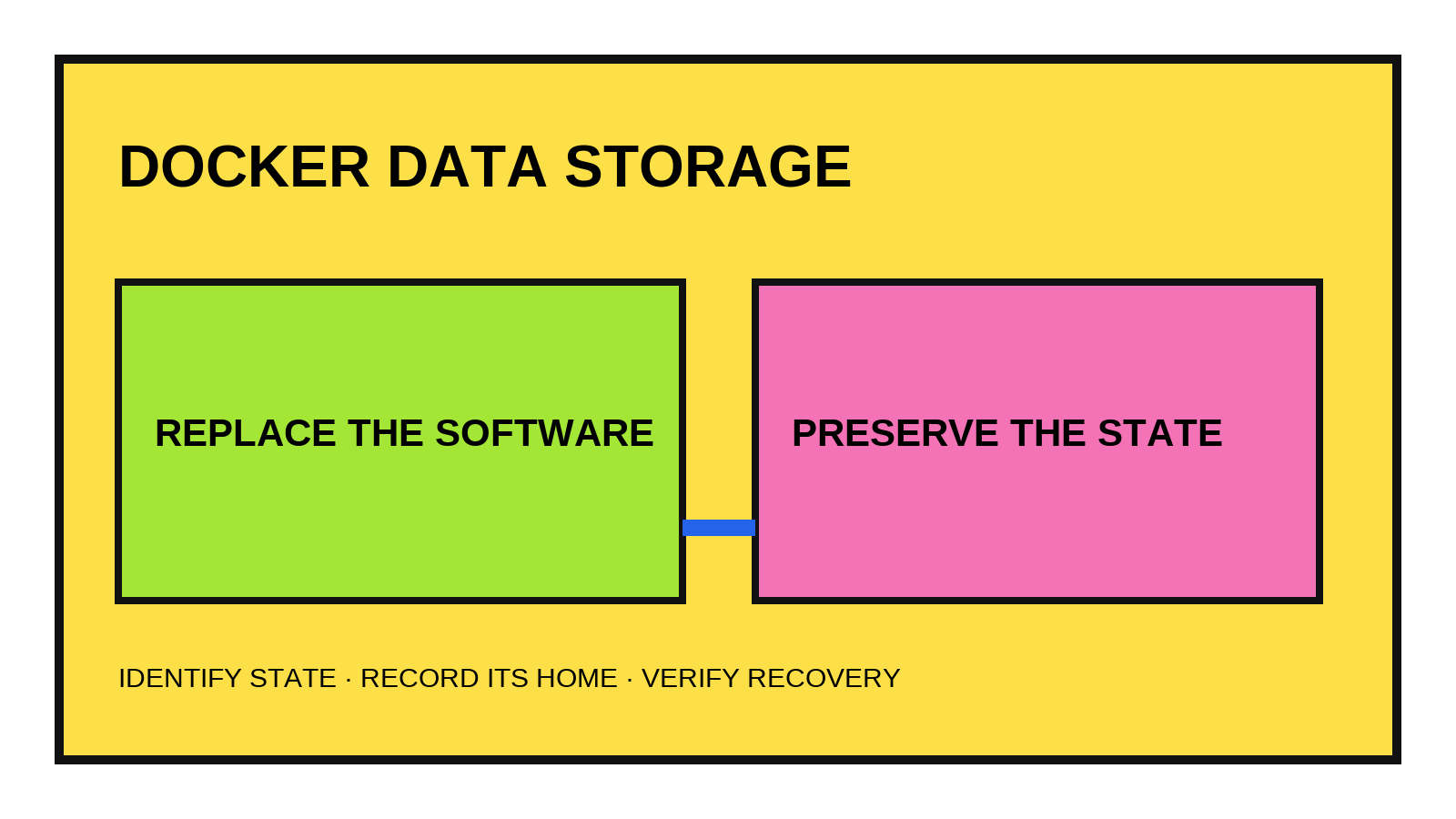
The problem: rebuilding the software does not restore its records
A replacement container can start correctly and still present an empty application. The image may recreate the software while records, uploads and configuration live in a different storage location.
Before a rebuild, migration or cleanup, identify the state that must survive and how it can be recovered. This is a planning checklist for a service you control, not a universal backup command recipe.
The concern: persistence is not an independent recovery copy
Docker documents that a container's writable layer is destroyed when the container is removed. A volume exists outside that lifecycle, while a bind mount depends on a path on the host.
That makes the storage boundary important, but a persistent mount is still only one copy. It does not protect against loss of its underlying storage or prove that a usable recovery method exists.
Where it applies: images, layers and mounted state
Use this review before replacing a container, moving a Docker host or changing a mount. Include the application owner and whoever can authorize storage changes.
- Image: the software and its version, not a substitute for live application records.
- Container layer: investigate any required state written outside persistent mounts.
- Volume: identify the intended Docker-managed storage and the service that owns it.
- Bind mount: identify the host source path and container destination together.
- Recovery copy: record its scope, access requirements and verified restore procedure.
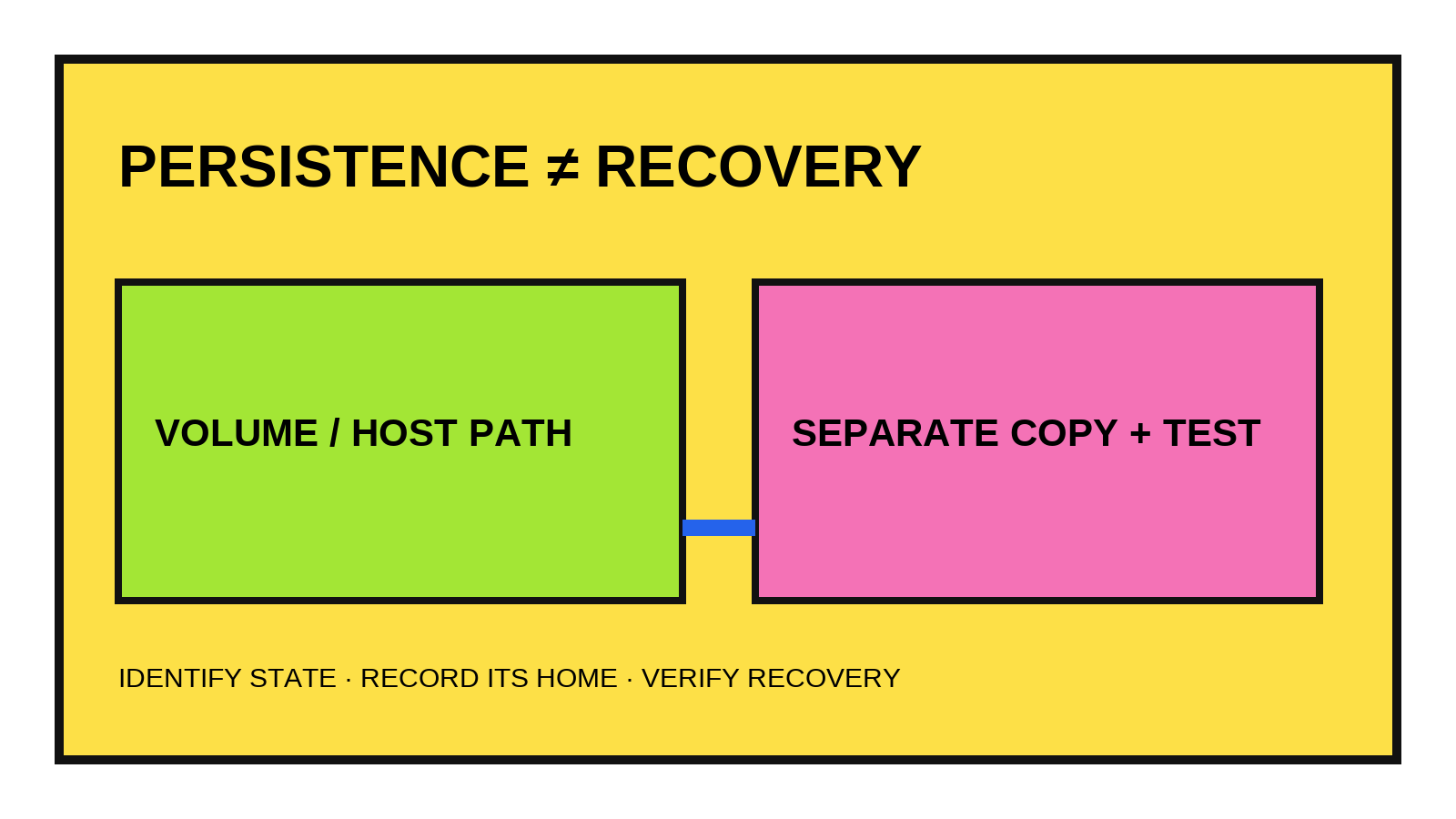
Example scenario: a fresh dashboard points at the wrong volume
Imagine a fictional application rebuilt from the intended image but connected to a newly created empty volume. Its page starts normally and shows no prior records. That symptom alone does not prove the old data was erased.
The investigator compares the intended mount source and destination with the actual deployment before making further changes. The old volume may still exist; deleting apparently unused storage at this point could remove the recovery path. This is an illustrative case, not a reported client incident.
Resolution: inventory state before changing storage
List the records, files and configuration the service needs. For each, identify the container path and the volume, host path or writable layer that currently supplies it. Treat unknown locations as an unresolved prerequisite.
Docker explains that a mount can obscure files already present at its target path. Review the source and destination together when the application suddenly looks empty. Preserve evidence and existing storage while you establish what changed.
Choose the application's supported recovery method. In particular, do not assume copying database files during writes creates a usable backup. Verify representative data in a separate recovery environment before relying on the plan.
Recommendations: make a pre-rebuild gate
My recommendation is one storage inventory beside the deployment definition, with private operational identifiers kept in the approved restricted record.
- Confirm the image and configuration versions.
- Name every persistent path, mount source and owner.
- Identify a separate recovery copy and its documented scope.
- Verify representative state in an isolated target.
- Define a meaningful acceptance task, not only a process check.
- Record the stop condition and rollback decision before the change.
Conclusion: replacement needs an explicit data boundary
A container is easier to replace when the important state has a known home and a verified recovery path. Starting the software is only one part of that result.
Review one service before its next change and resolve unknown storage assumptions while the original is available. Explore systems work or discuss a recovery workflow when those boundaries need clarification. Docker primary storage documentation reviewed November 19, 2026.