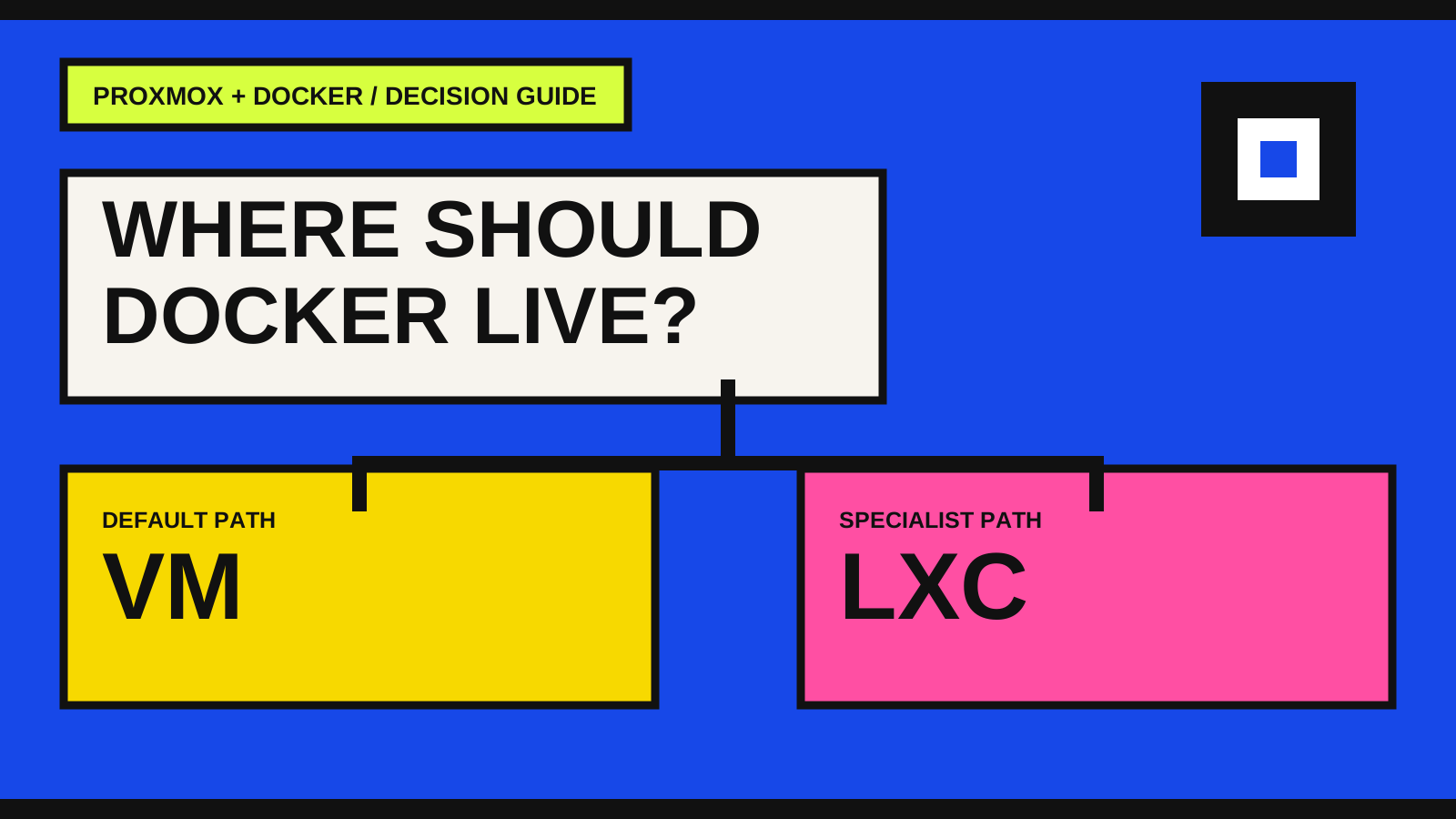
The short answer: start with a VM
For most home labs and small production-like environments, put Docker Engine inside a Linux virtual machine on Proxmox. This follows the platform boundary Docker expects and gives the Docker host its own kernel, network stack and operating-system lifecycle.
That is also the direction in the official Proxmox VE container documentation: LXC is described as a system-container technology, while application containers such as Docker images are recommended inside a Proxmox QEMU virtual machine. It is a default, not a ban on every LXC experiment.
- Choose a supported Linux guest for the Docker host.
- Keep the Proxmox host focused on virtualization and storage.
- Treat the VM as a replaceable application platform, not as the backup itself.
What changes between a VM and LXC
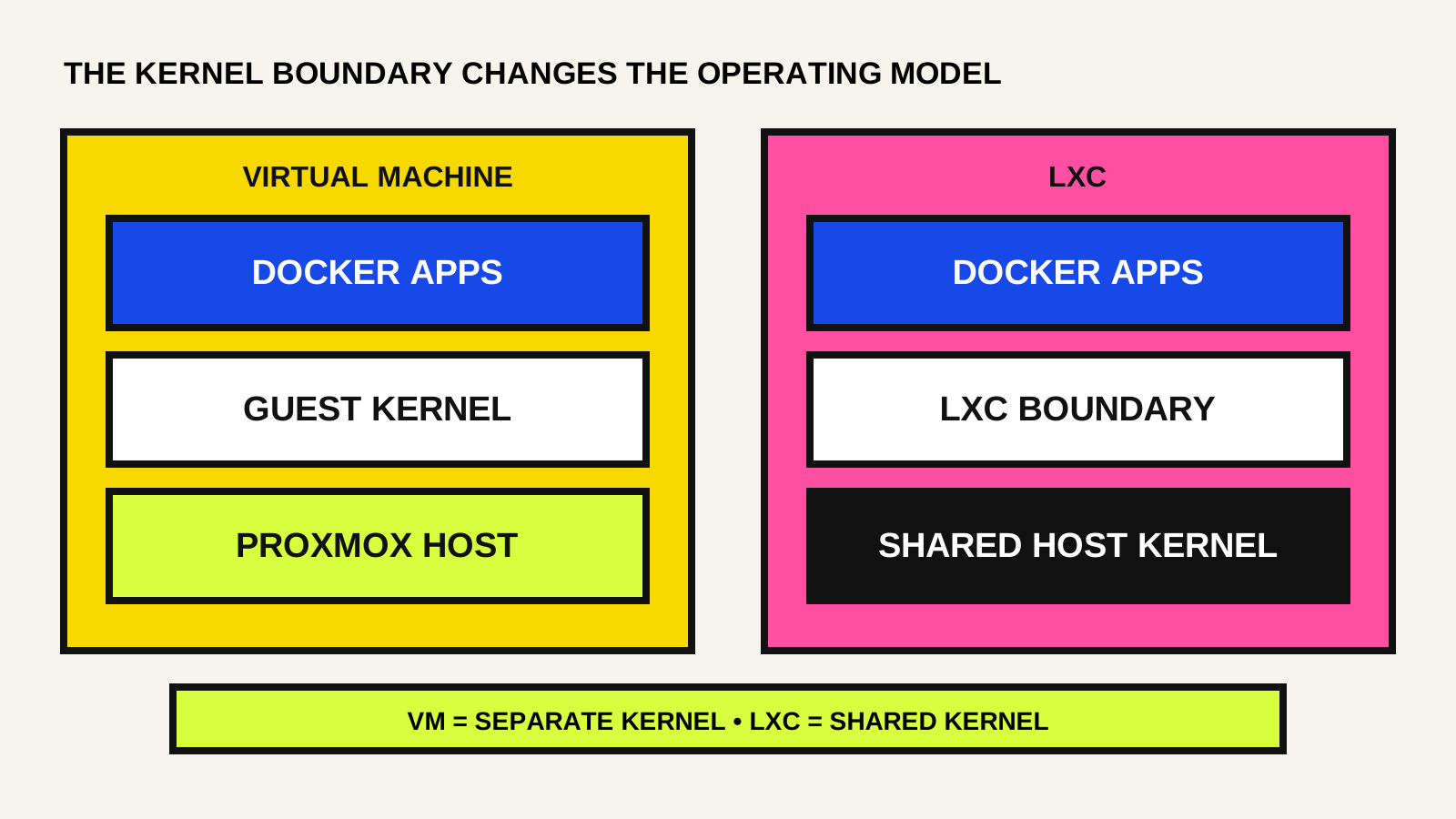
A VM virtualizes hardware and runs a separate guest kernel. An LXC container shares the Proxmox host kernel and isolates processes through Linux container features. The shared-kernel model is why LXC starts quickly and uses fewer resources—and why nested container workloads can require more host-aware configuration.
Docker already creates and manages containers, networks, storage mounts and resource limits. Putting that application-container layer inside a VM creates a clearer boundary. Putting it inside LXC can be efficient, but the nesting, device access and kernel behavior become part of your operating model.
Choose the VM path when reliability matters most
A VM is the clearer choice when you want to follow the standard Docker installation path, run third-party stacks with fewer nesting surprises, isolate experiments from the Proxmox host, or move the workload to another hypervisor or cloud VM later.
The trade-off is measurable but usually manageable: a guest operating system consumes additional memory, disk and update time. In return, troubleshooting stays closer to ordinary Docker documentation and a failure inside the guest has a stronger boundary from the hypervisor.
- Public-facing services or production-like workloads.
- Databases and stateful applications that need a clear recovery plan.
- Stacks maintained by a team with mixed Proxmox experience.
- Workloads that may move to another Linux VM later.
Use LXC only with a reason you can explain
Docker inside LXC can make sense for a controlled lab where resource density is the priority and the administrator understands Proxmox container configuration. It is not automatically wrong; it simply transfers more responsibility to the person maintaining the host boundary.
Before choosing it, verify the workload's nesting, storage-driver, cgroup, device and security requirements. Document every Proxmox-specific option. If the reason is only that LXC looks lighter on a dashboard, the VM path is usually easier to operate and recover.
- Keep the workload internal while validating the design.
- Avoid privileged containers unless a documented requirement justifies the risk.
- Test host and guest upgrades before relying on the stack.
- Record the exact LXC features, mounts and device mappings used.
Design networking before publishing a port
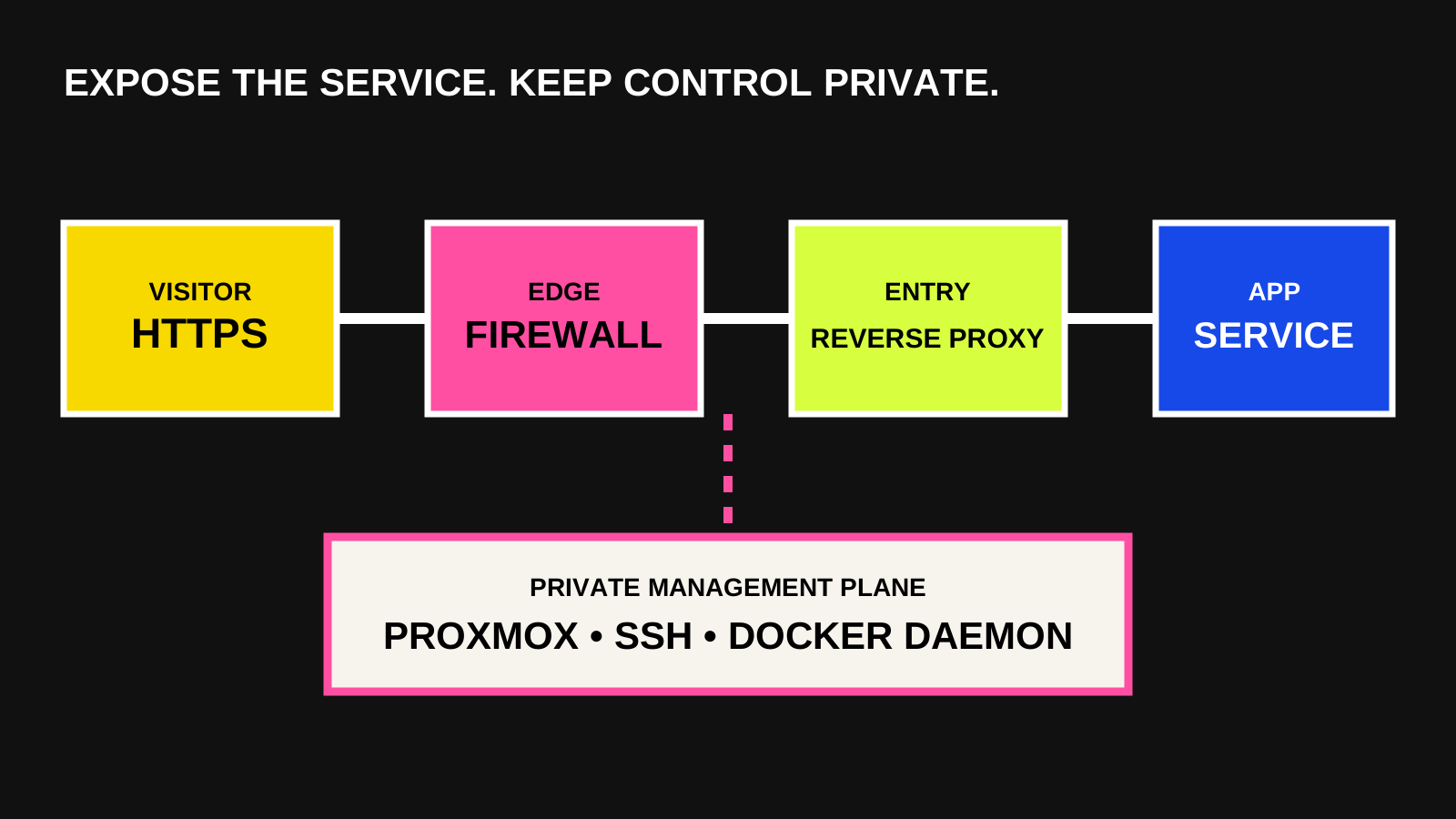
A VM does not make an exposed service safe by itself. Docker creates firewall rules for bridge networking and published ports. Docker's documentation warns that published container ports can bypass rules managed through ufw, so the exposure path needs to be reviewed at the Docker host and Proxmox network layers.
Publish only the ports the service requires. Prefer a reverse proxy or private access layer for administration, restrict source networks where practical, and never expose an unauthenticated Docker daemon. Use Docker's DOCKER-USER chain when host-level filtering must run before Docker's forwarding rules.
Back up the platform and the application
Proxmox vzdump can create a full backup of a VM or container, including its configuration and data. That is useful for infrastructure recovery, but it should not replace application-aware backups for databases and persistent Docker volumes.
Use two recovery layers: a scheduled Proxmox guest backup and a separate, documented export for the application's important data. Then restore both into a test environment. A backup job that finishes successfully is evidence that a file was written; a restore test is evidence that the system can return.
- Schedule guest backups to storage outside the Docker VM.
- Back up database contents using the database's supported method.
- Record Compose files, environment-variable names and secret-recovery steps without committing secrets.
- Run a restore drill after major storage or network changes.
A decision you can revisit
Choose a VM when you want the safest general-purpose default. Choose LXC only when its efficiency solves a real constraint and you are prepared to own the shared-kernel and nesting details. Either way, keep management private, separate application backups from guest backups and document how to rebuild the host.
Start with the boundary that is easiest to explain and recover. Optimization can come after the workload is stable, observable and backed up.