Start with the role, not the shopping cart
Remote work is a way of organizing work, not a universal equipment list. A developer, designer, customer-support specialist and video editor can all work remotely while needing very different computers, software, privacy and connection speeds.
Before buying anything, ask for the role's operating-system, security, camera, audio, software and internet requirements. Confirm whether the company provides equipment or expects you to use your own. That short conversation can prevent an expensive purchase that still cannot run the required tools.
- List the applications you must run at the same time.
- Check whether managed devices, a VPN or multi-factor authentication are required.
- Confirm how often the role uses live video, large uploads or remote desktops.
- Separate must-have equipment from comfort upgrades.
Build the minimum reliable work kit
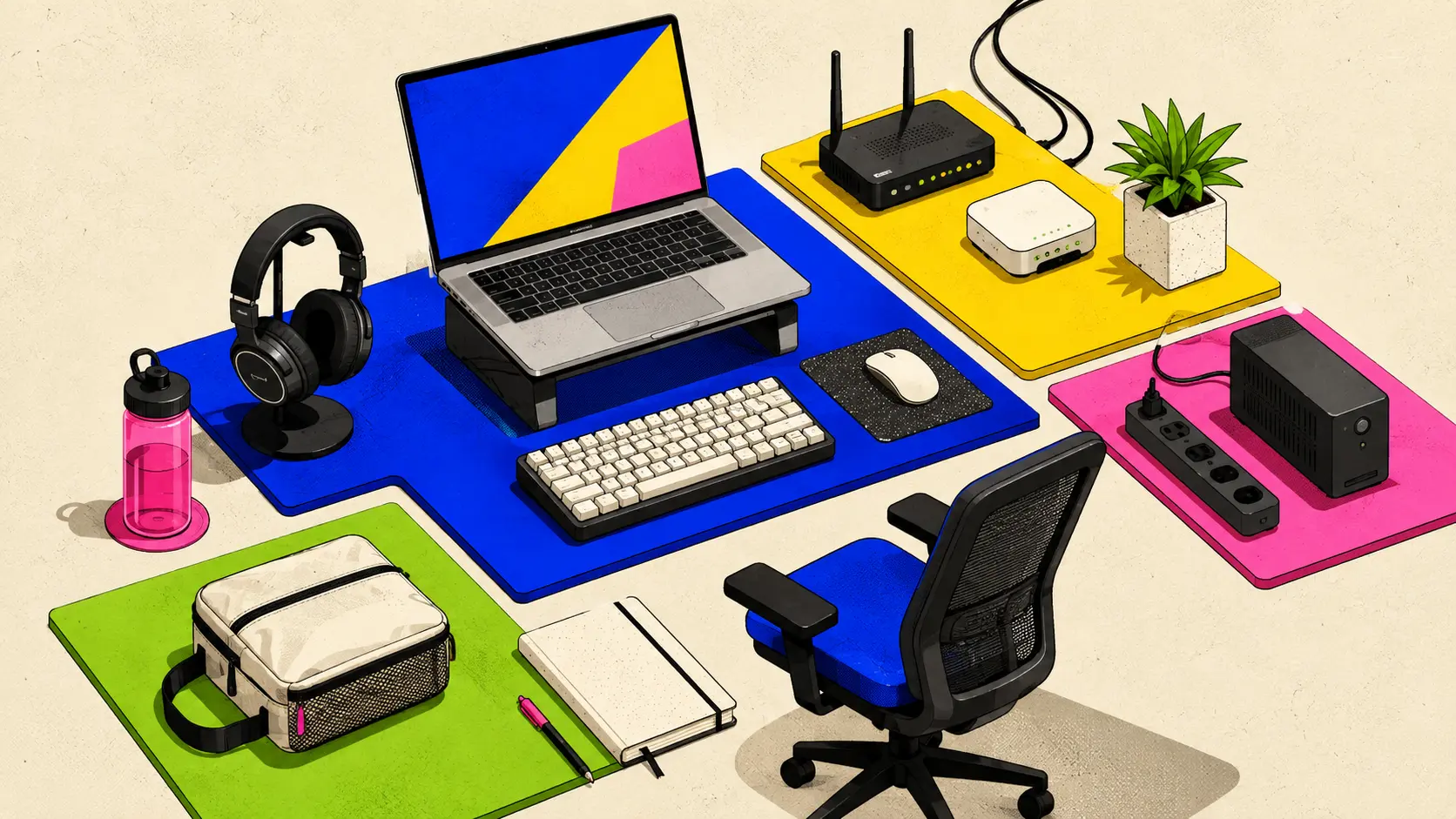
The minimum kit should let you complete the actual job, communicate clearly and recover from an ordinary interruption. Start with a dependable computer that meets the role's requirements, then add only the accessories that remove a real bottleneck.
A headset with a usable microphone often matters more than an expensive camera. An external keyboard, mouse or monitor can improve a fixed desk, while a laptop stand and compact charger may be more valuable when you move between locations.
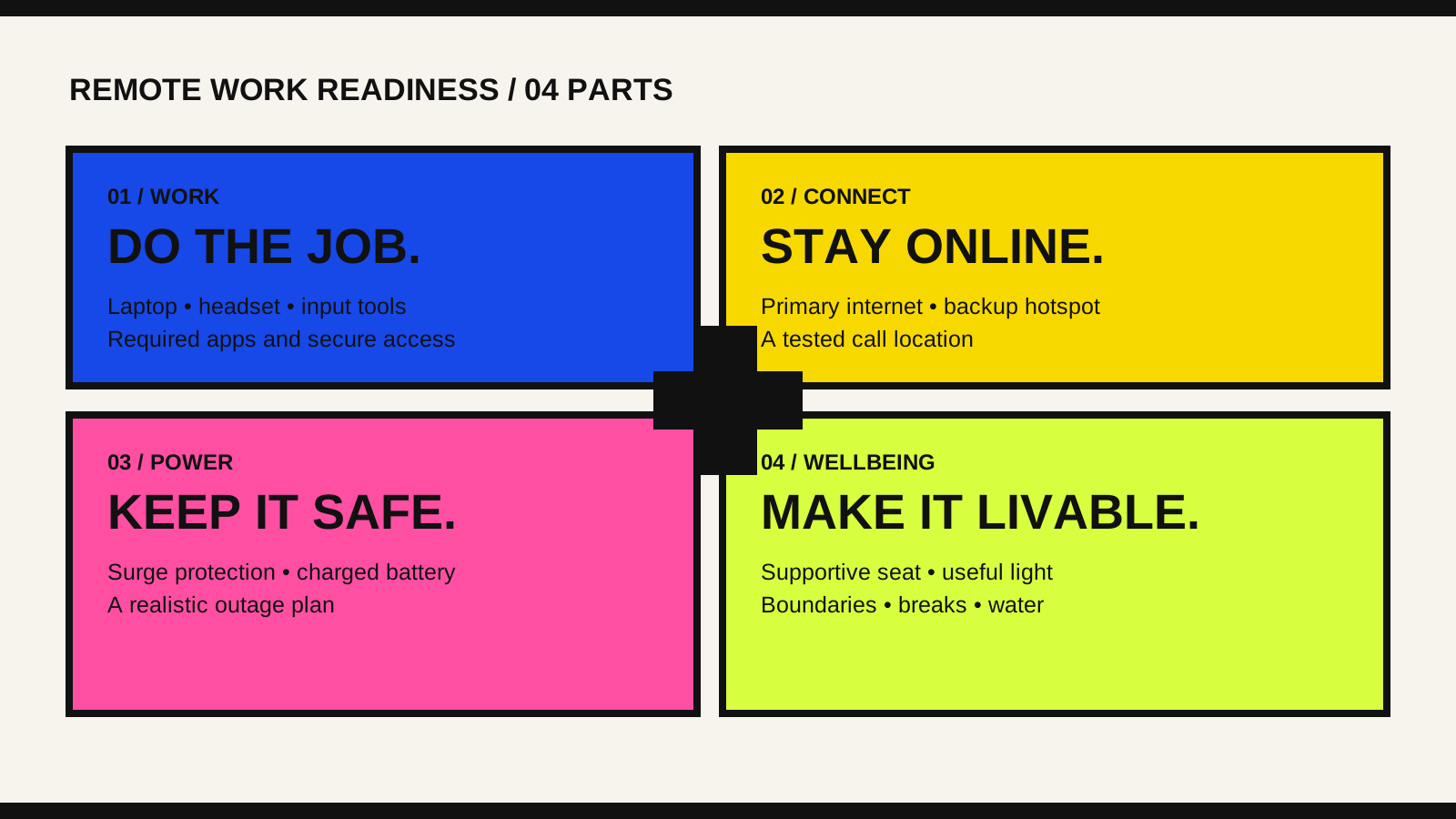
- Computer and charger that meet the role's documented requirements.
- Headset or microphone that produces clear call audio in your space.
- Camera and light only when video meetings or recording make them necessary.
- Input tools and display arrangement that remain comfortable for a full work session.
Plan for connection and power before they fail
Run a video call, upload a representative file and use the required systems from the exact place where you expect to work. A speed-test number alone does not reveal unstable Wi-Fi, a noisy room or a mobile signal that disappears at busy times.
Keep a tested second connection, such as a phone hotspot with enough data for essential work. Use surge protection and keep devices charged. If outages are common, choose backup power based on the measured load and the amount of time you need—not a product label alone.
Prepare the space and the working agreements
A home office does not need to look like a studio, but it needs a repeatable place for focused work. Support your back and arms, position the screen comfortably, control glare, and make calls from a space where private information will not be overheard or displayed behind you.
The non-physical materials matter too: working hours, response expectations, meeting norms, task ownership and a clear way to signal when you are unavailable. Equipment cannot repair an unclear remote culture.
- A seat and screen position you can use without strain.
- Useful task lighting and a call background that protects privacy.
- A calendar, task system and agreed communication channels.
- Breaks, water and a firm end-of-day shutdown routine.
Choose work from home or mobile remote work
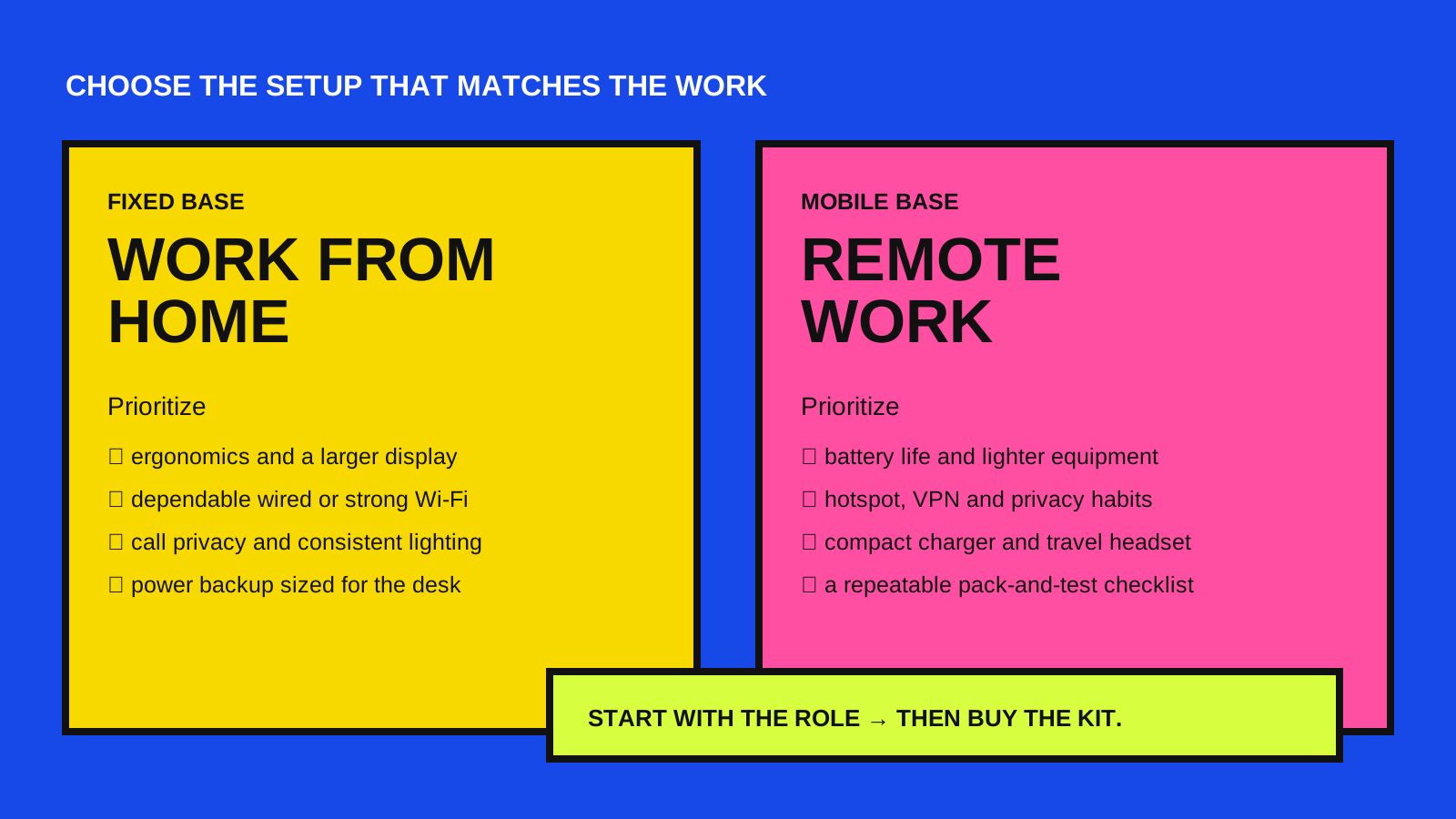
Work from home usually rewards a stable desk: stronger ergonomics, a larger display, predictable internet and more capable backup power. Mobile remote work rewards portability: battery life, a lighter kit, privacy habits and a reliable way to connect from changing locations.
Neither is automatically more flexible. The better choice is the one that matches the role, your concentration needs, household conditions, travel pattern and tolerance for connection risk.
Run a one-day readiness test
Before committing to a role or a large setup, simulate one normal workday. Join a call, share your screen, move a useful file, complete a focused task and switch to the backup connection. Note what interrupts the work instead of guessing what might.
Buy or change the item that solves the most important proven failure. That approach creates a smaller, more dependable setup—and leaves room to improve it once the real work teaches you what you need.