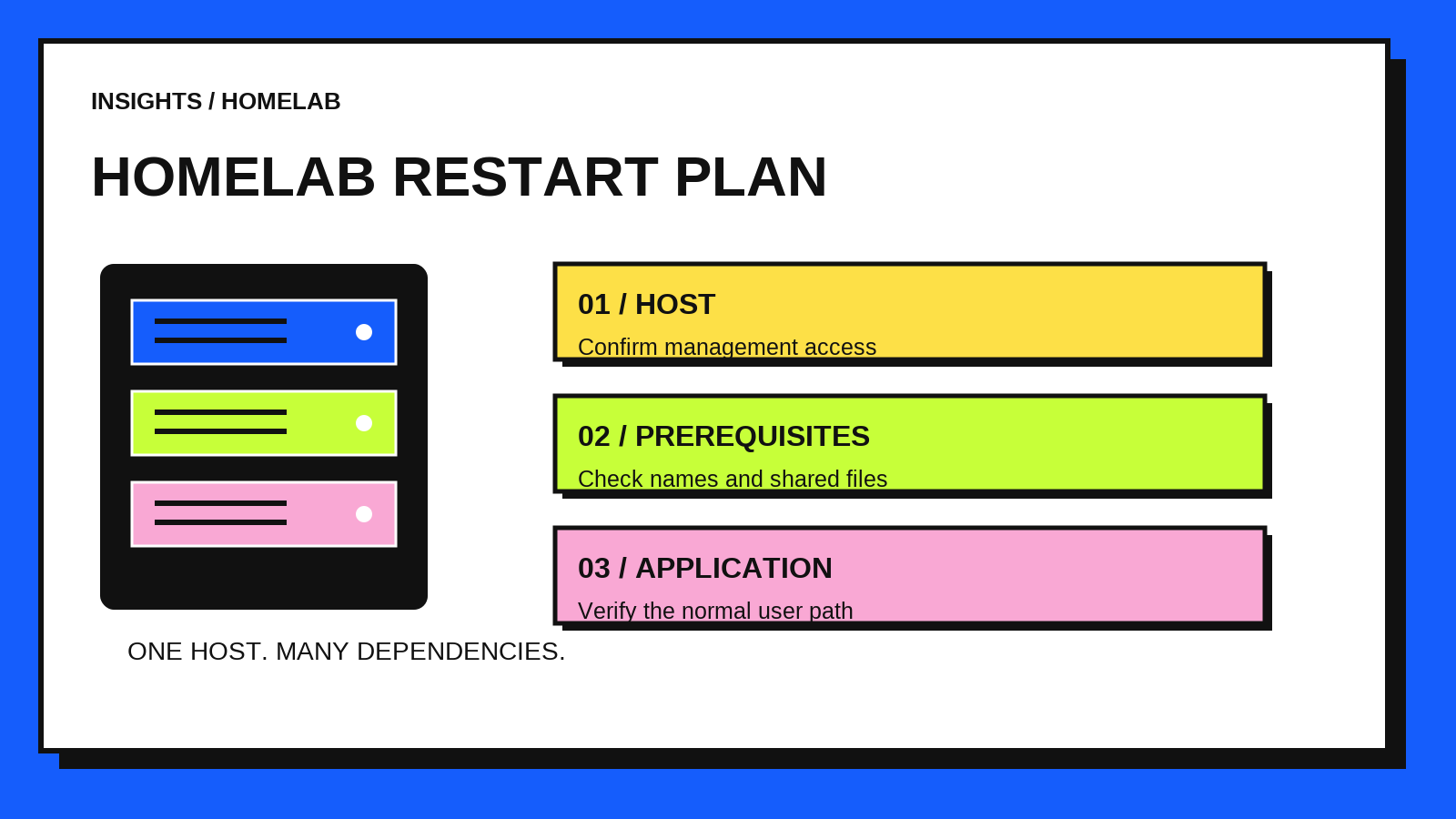
The problem: powered on, still unavailable
After a host restart, a dashboard can show every virtual machine as running while the application is still unusable. The machine may have started before its storage share, or its service names may depend on a resolver that has not recovered yet.
The problem is the gap between starting a guest and restoring a usable service. A restart plan should describe dependencies and observable checks, rather than assume that a green power indicator means recovery is complete. This article considers a small homelab you control; it is not a universal sequence for production systems.
The concern: what else depends on that host?
The affected area can extend beyond the application. DNS names, shared files, a reverse proxy and even the normal management route may rely on guests on the same host. Other people using those services also need to know about the interruption.
Before the window, identify which services will be unavailable and how you will reach the host if the application route fails. Keep an authorized local copy of the plan. Confirm an independent console or management route in advance; record where approved access is maintained without copying passwords or recovery codes into the note.
Example scenario: the dashboard returns too early
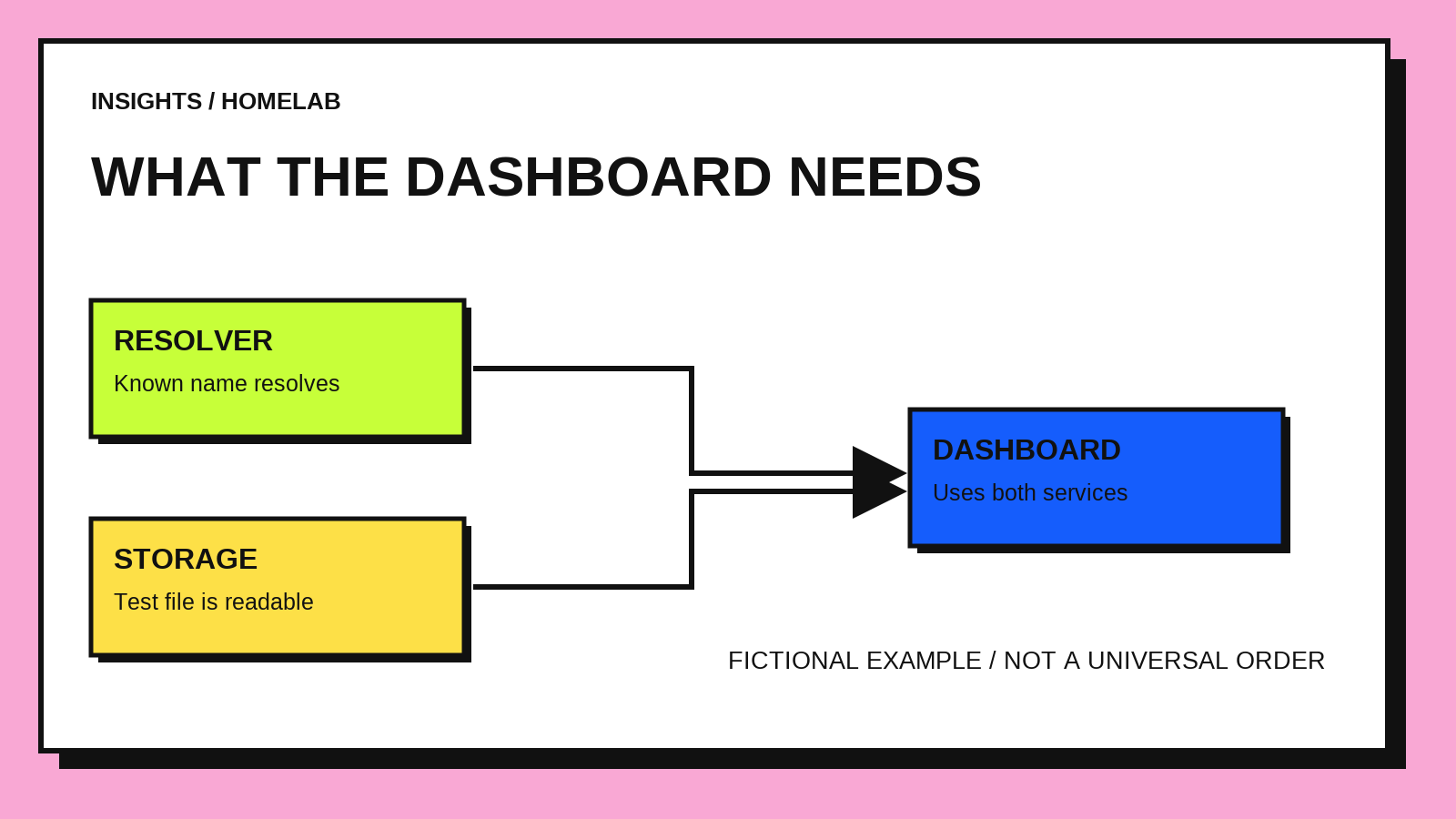
Consider a fictional lab with a host, a resolver VM, a storage VM and a dashboard VM. The dashboard uses the resolver for service names and reads files from the storage share. Both prerequisites therefore need usable checks before the dashboard can be considered recovered.
In this scenario, the dashboard starts while the resolver and share are unavailable. Its page fails to load correctly or cannot show its files. That symptom does not establish data loss, and it does not justify repeatedly restarting the whole host. First check the prerequisite services and the application's connection state.
The illustration shows this example only. Your network, storage and authentication dependencies may require a different plan.
Resolution: recover in stages and verify each one
If a prerequisite is unavailable, pause the dependent recovery steps. Use the confirmed management route, inspect the resolver or storage service, and restore it according to the lab's documented procedure. Once prerequisites are usable, check whether the application reconnects; use its documented recovery procedure if it does not.
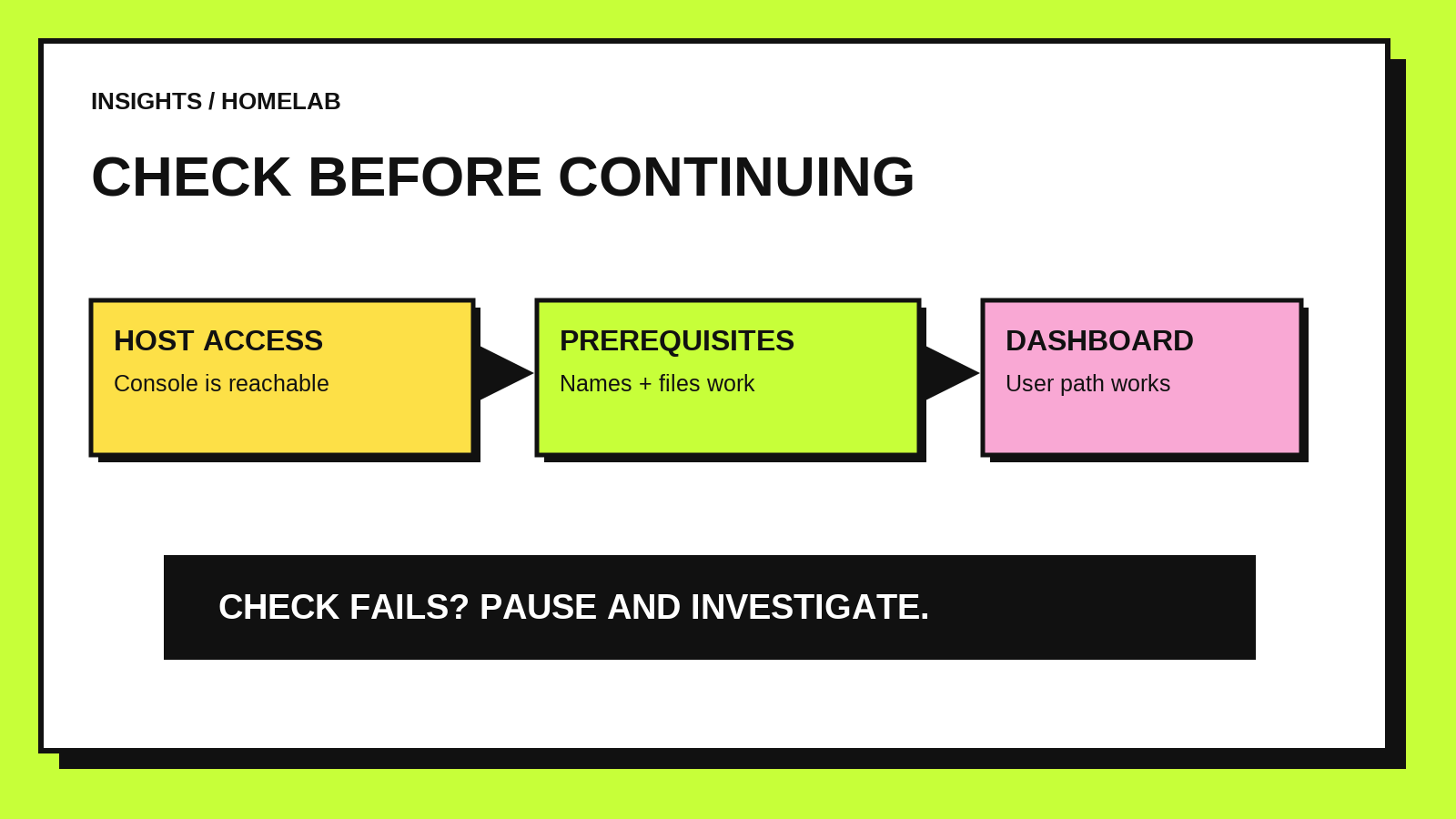
For the next planned restart, write down the intended order and a check for every stage. In this example: reach the host, confirm the resolver and share, then verify the dashboard through its normal access route. A service check should represent actual use, such as resolving a known lab name or reading an existing non-sensitive test file from the intended share.
Proxmox supports automatic VM startup, ordering and delays; shutdown follows the reverse startup order. Those ordering settings are host-local, while HA-managed VMs use the HA manager. A configured delay is not proof of application readiness. Check your installed version and management mode before changing settings; no fixed delay suits every lab.
Recommendations: keep one small restart record
The most useful improvement is a short plan you can read while the main dashboard is offline. Keep the change small: do not combine a restart, storage redesign and application upgrade into one experiment. Separate changes make unexpected behavior easier to investigate.
- Scope: name the host, affected services and anyone who needs notice.
- Access: confirm an authorized management route that does not depend on the dashboard.
- Prerequisites: record what each service needs and which checks demonstrate readiness.
- Stop condition: define when to pause and where the recovery procedure is kept.
- Recovery preparation: verify backup and restore arrangements separately; boot ordering is not a backup.
- Review: record what actually happened and revise the plan after the maintenance window.
Conclusion: usable services are the finish line
A restart is complete when the services you rely on work through their intended access paths—not merely when the guests are powered on. A dependency map, tested management access and a few meaningful checks make that finish line easier to recognize.
Start with one host and one application flow. For help documenting a system's dependencies, explore the systems projects or bring a specific workflow to a conversation. Proxmox primary documentation reviewed November 18, 2026.