Shape-first validation
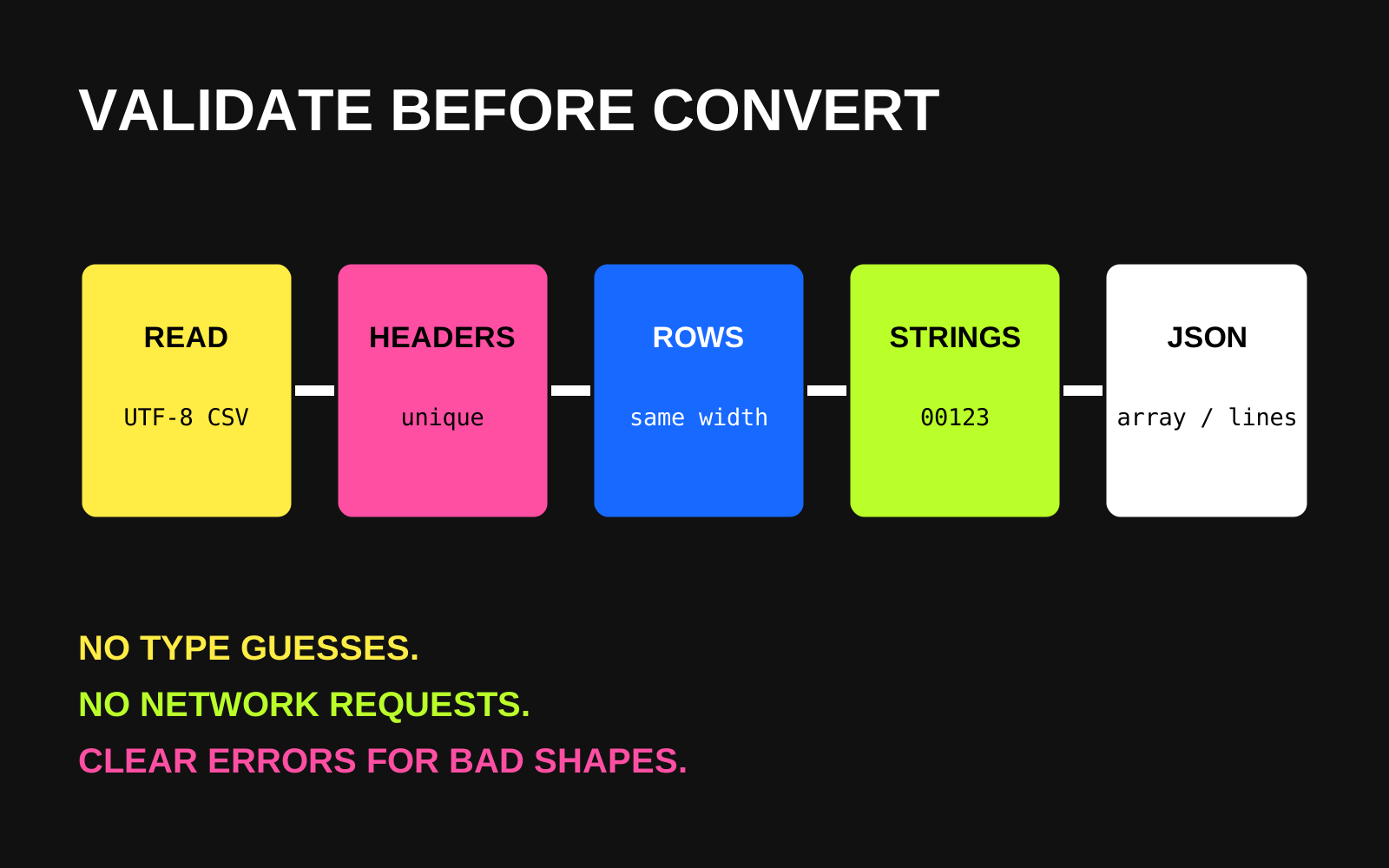
Rejects blank or duplicate headers and any row whose field count differs from the header before serializing the result.
Day 037 / APIs / Data Conversion
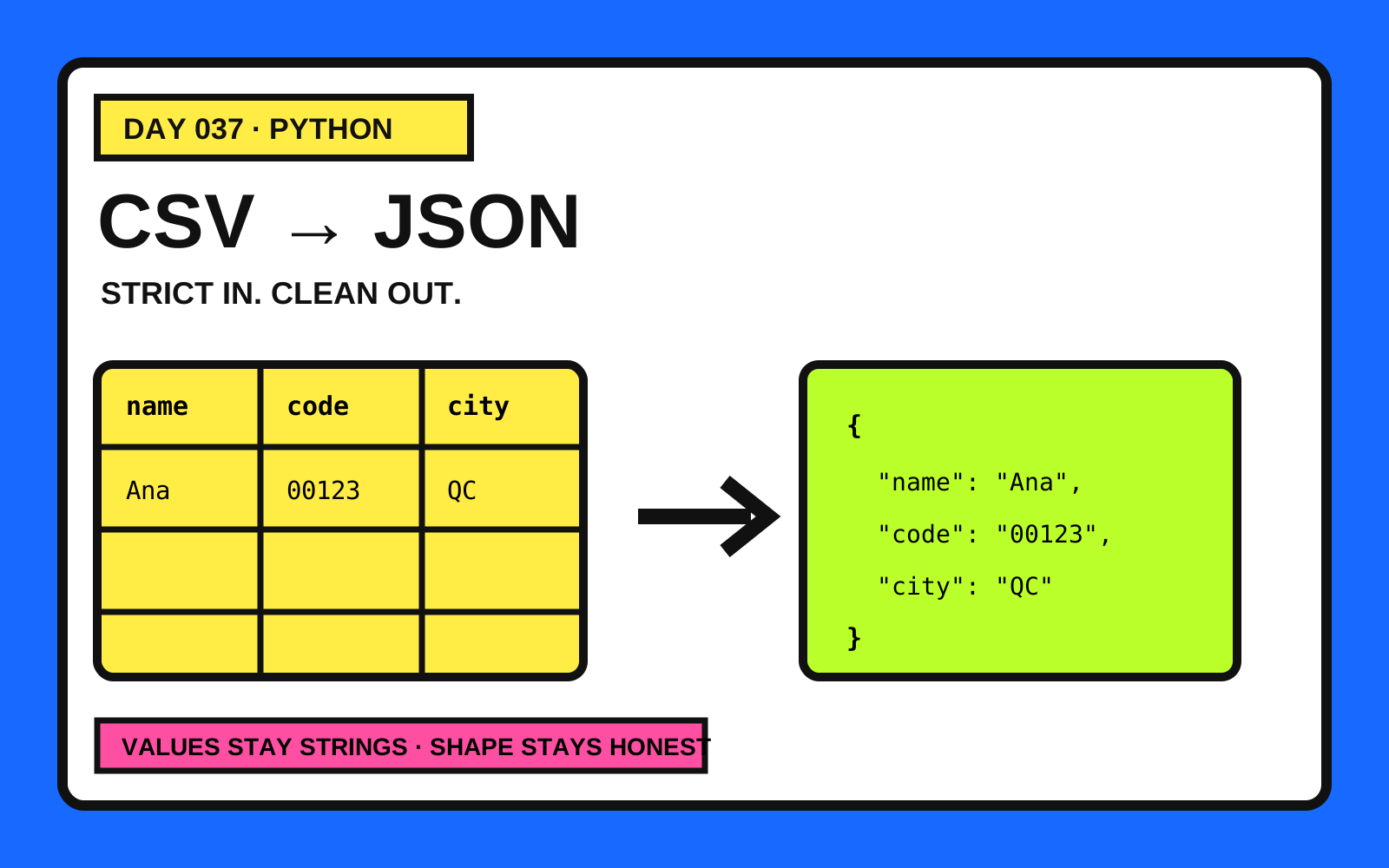
A dependency-free Python CLI that validates UTF-8 CSV data and converts it to a JSON array or JSON Lines while preserving every field as text.
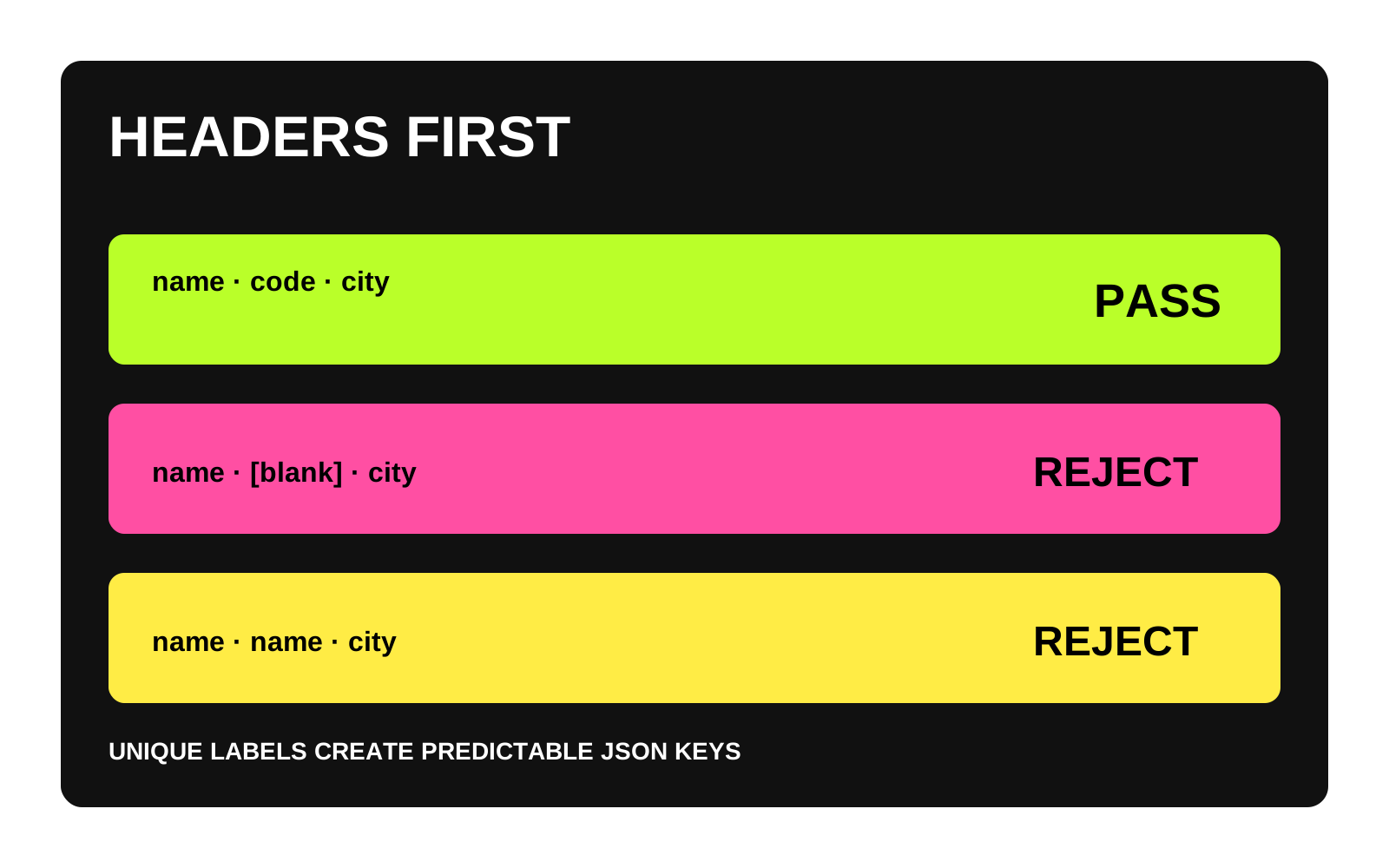
Rejects blank or duplicate headers and any row whose field count differs from the header before serializing the result.
Keeps field values exactly as text, protecting identifiers such as postal codes from accidental numeric coercion.
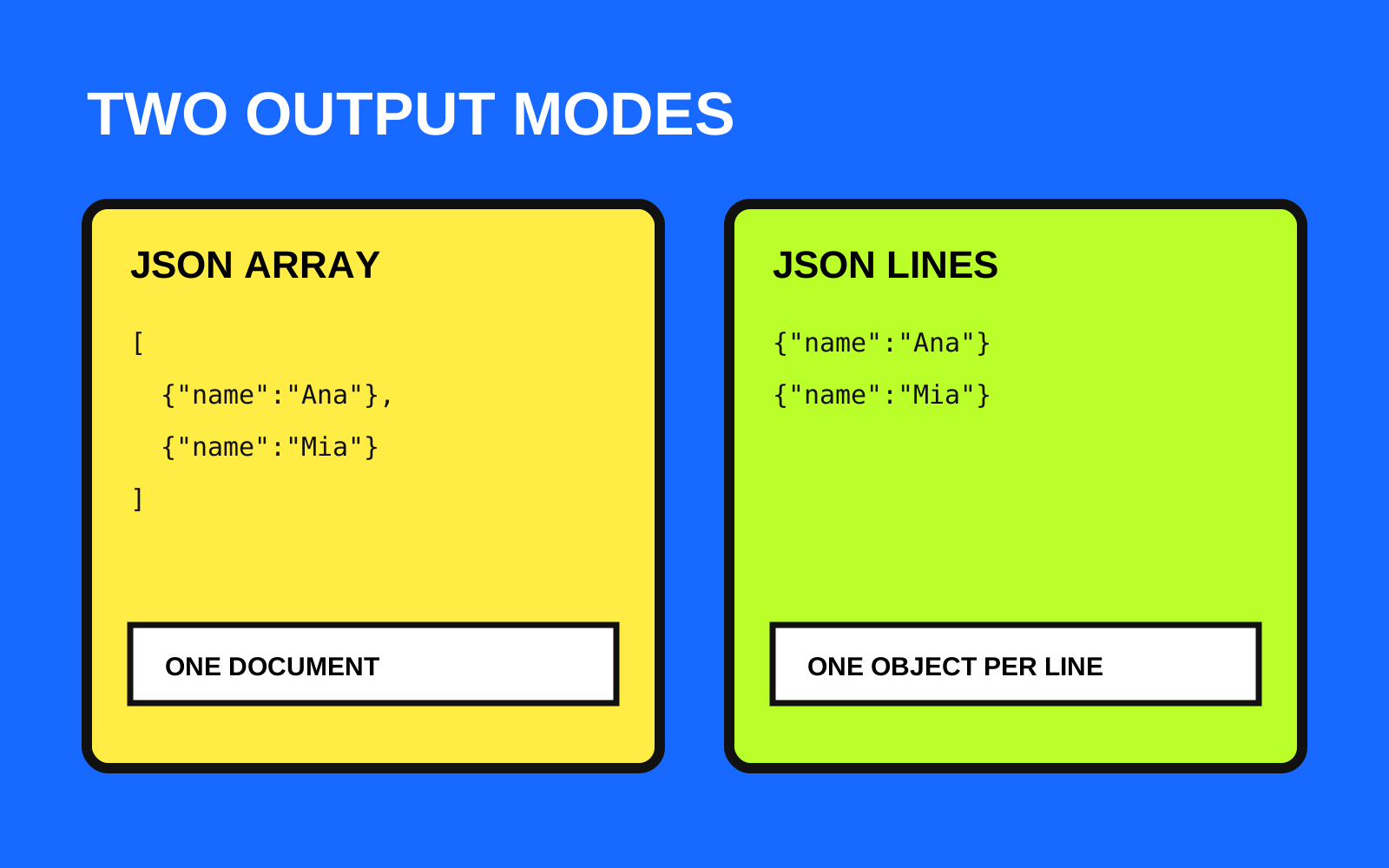
Emits an indented JSON array for review or one JSON object per line for streaming-friendly workflows.
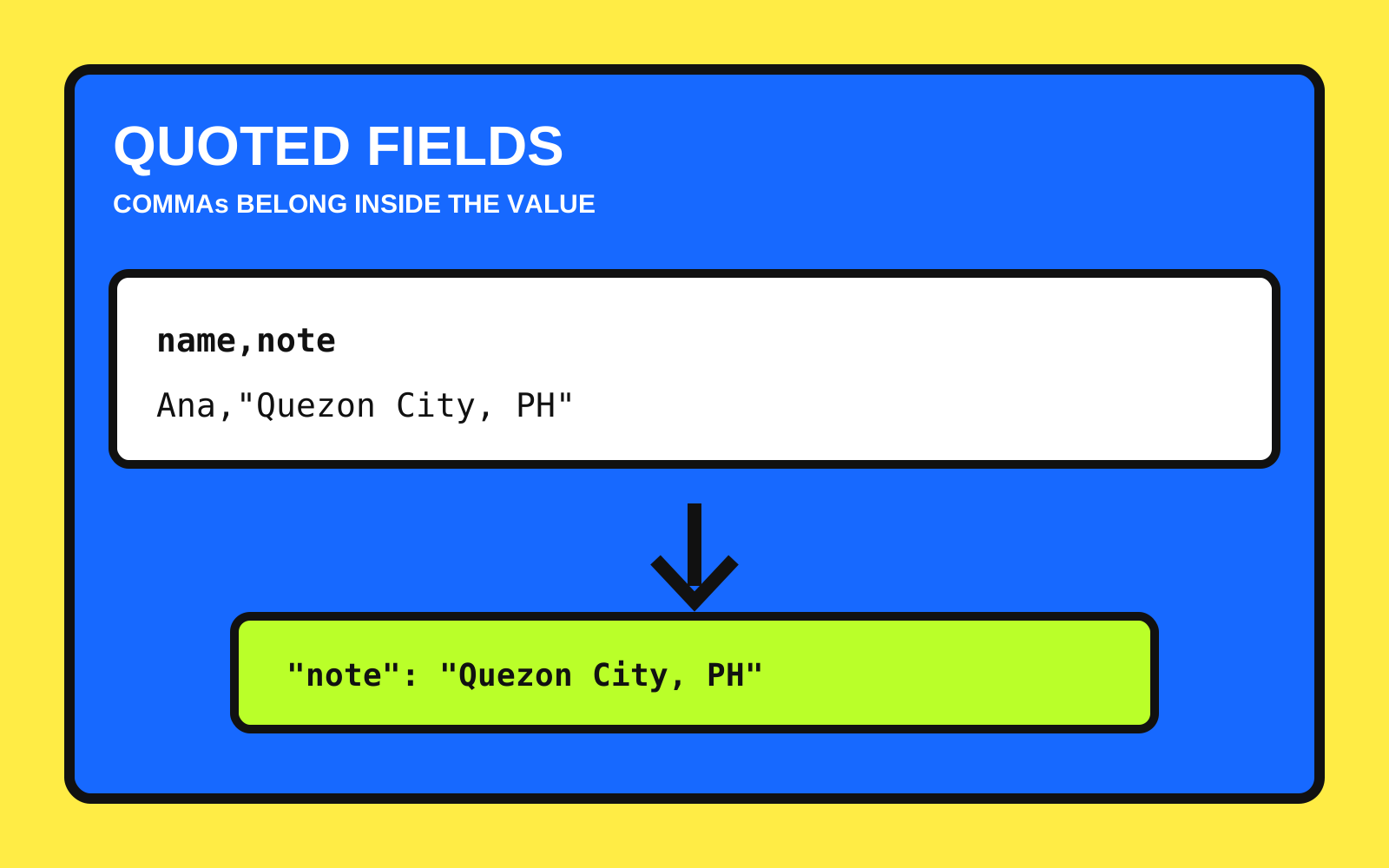
Quoted CSV fields handled
Leading zeros preserved
Strict header and row validation
Bounded rows and columns
JSON array and JSON Lines output
Twelve standard-library tests included
Csv, argparse, pathlib and JSON provide the complete dependency-free command-line workflow.
Applies UTF-8 decoding, bounded rows and columns, strict headers and consistent-width row validation.
Twelve tests cover quoting, leading zeros, empty fields, BOM input, malformed shapes, limits and CLI behavior.