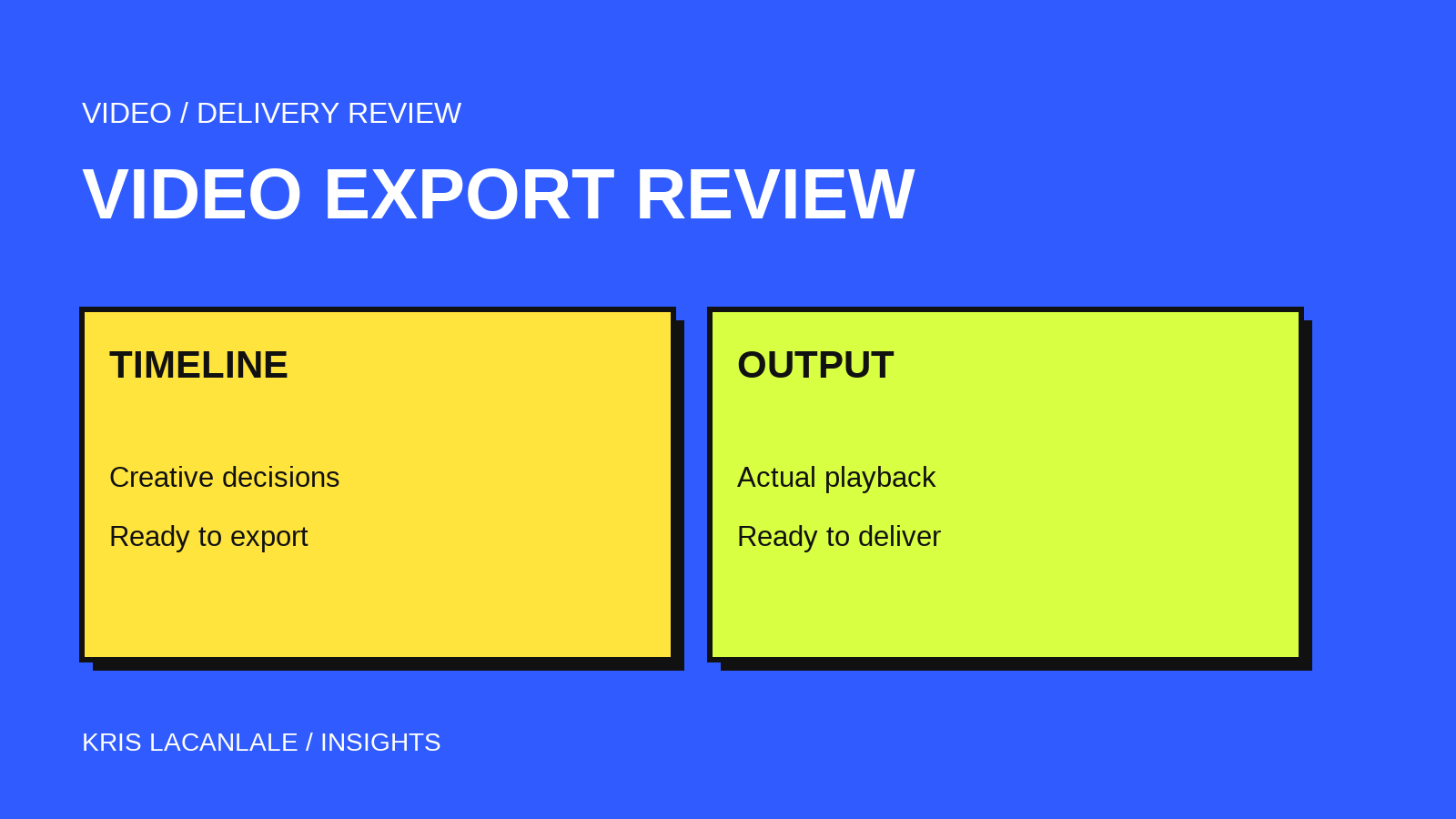
The problem: a finished edit can produce the wrong deliverable
A timeline can look complete while the delivered video has the wrong range, missing captions or an outdated version. Successful rendering proves that a file was created, not that it matches the brief.
Review the exact output the audience or recipient will receive. This is an editorial quality check for a short video, not a universal codec preset or a guarantee of playback everywhere.
The concern: the last file carries the message
Framing, text, speech and the final card can all change how a viewer understands the piece. A small delivery mismatch can affect comprehension even when the original creative decisions were sound.
Approval also belongs to a particular version. A reviewer checking one export has not automatically approved its replacement. Keep creative review, technical delivery checks and permission to publish explicit.
Where it applies: the file, destination and viewer
Use this review for social clips, event announcements, portfolio pieces and other short deliveries. The intended destination determines which properties and caption deliverables need checking.
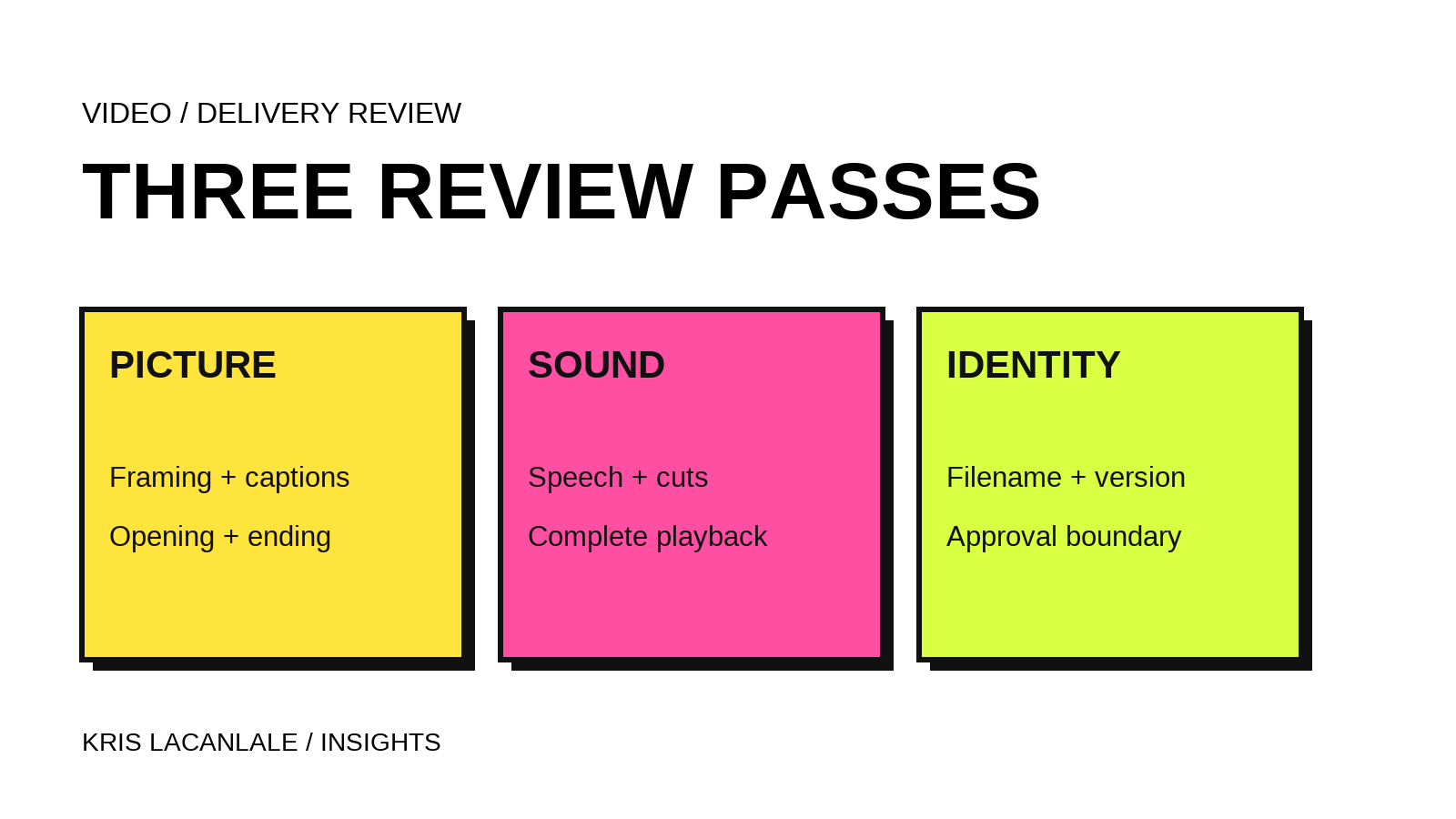
- Picture: orientation, frame size, duration, opening and final frame.
- Viewer: small-screen text, important action and caption readability.
- Sound: speech, transitions, missing audio and the ending.
- Captions: burned-in text, sidecar file or supported embedded format as required.
- Delivery: reviewed filename, version, destination and outstanding approval.
Example scenario: captions stay in the editor
Consider a fictional vertical announcement whose brief requires captions in the picture. The edit displays them, but the exported file uses a different caption option. Playback reveals that the text is absent.
The response is to compare the brief with the selected caption output, produce a corrected export and review that exact file again. This is an illustrative mismatch, not a claim about an actual project or a platform defect.
Resolution: inspect the output against the brief
Write the delivery target before choosing settings: destination, orientation, expected duration, caption method and version. Play the exported file outside the editor from start to finish, listening as well as watching. For a short piece, normal-speed playback catches timing problems that scrubbing can miss.
Adobe documents separate caption outputs, including burned-in captions and sidecar files, with availability depending on the format. Verify the chosen deliverable rather than relying on the caption track's appearance in the editor. A sidecar needs the matching video and a supported receiving workflow.
When a destination offers a private or draft upload, inspect its processed preview too. Compare the available presentation with the brief; a local player cannot establish how every platform will display the video.
Recommendations: attach review to one identifiable file
My recommendation is a short delivery note beside the export. Name the file, review date, remaining issues and approver. “Playback checked; wording approval pending” is clearer than “final looks good.”
- Watch the intended first frame through the complete closing card.
- Check text and framing at the likely viewing size.
- Verify caption accuracy, timing and the required delivery method.
- Listen for clipped words, missing dialogue and distracting transitions.
- Validate specified audio targets separately with appropriate metering.
- After a replacement export, repeat the relevant checks and identify the new version.
- After upload, confirm that the selected version matches the reviewed file.
Conclusion: review what leaves the editor
A delivery is ready for the next decision when someone can identify the file and explain what was checked. The timeline is the working source; the export is the artifact the viewer receives.
Include the destination and approval process in the next brief. Explore motion services or discuss a delivery workflow when that handoff needs clarification. Adobe primary caption guidance reviewed November 18, 2026.