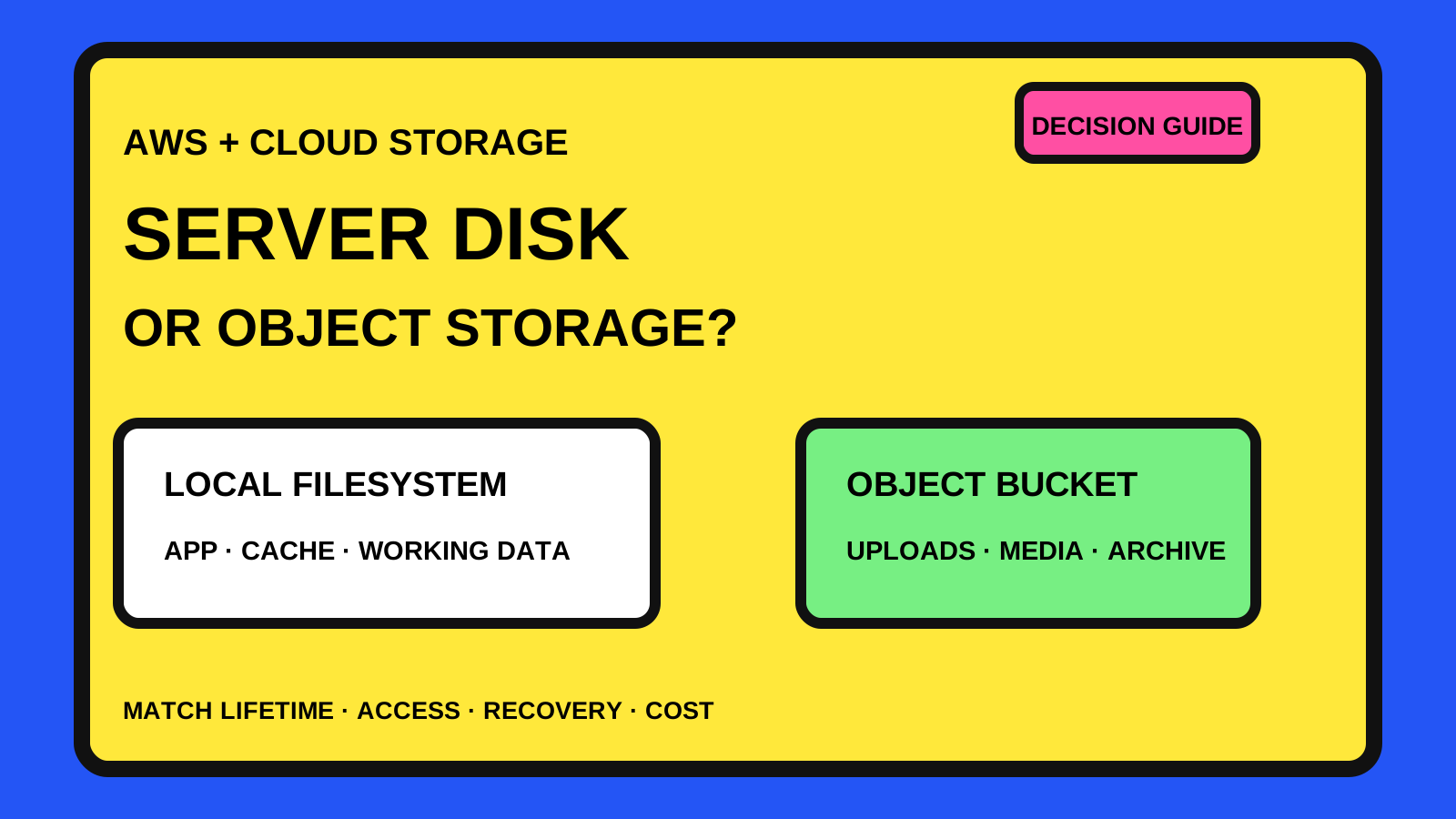
Start with the file's job, not the storage product
A small web project can begin with everything on one server: application code, logs, generated files and user uploads. That is easy to understand, but those files do not all have the same lifetime or access pattern.
The useful question is not whether object storage is more modern. Ask whether a file must survive a replacement deployment, be reached by more than one application instance, be downloaded without routing every byte through the app server, or follow its own retention and recovery policy.
- Application code belongs in the build and deployment process.
- Temporary files and caches may stay close to compute when losing them is acceptable.
- Persistent application data needs storage with an explicit backup and recovery plan.
- User uploads and generated assets often benefit from an identity independent of one server.
Understand the three storage shapes
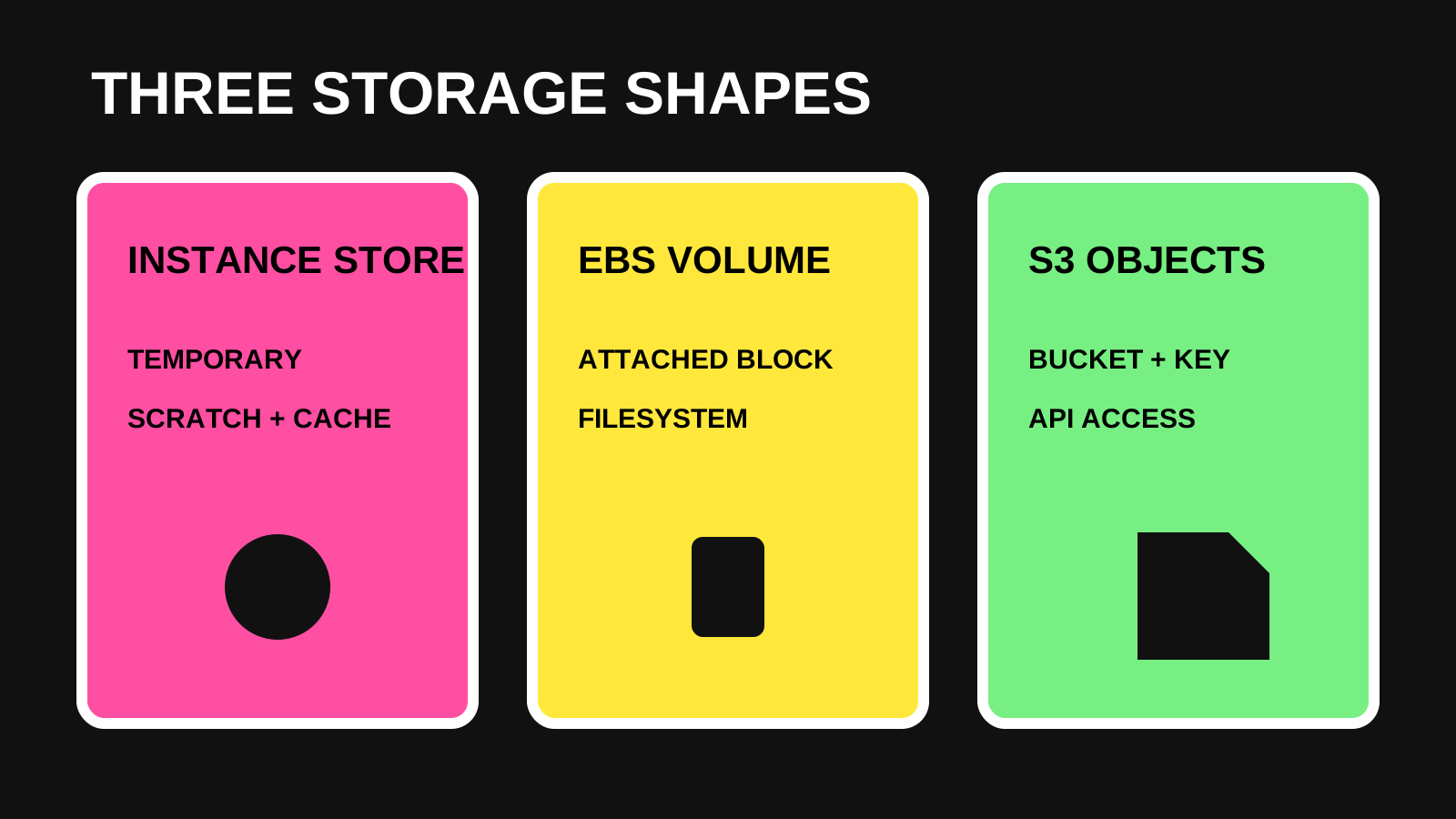
A filesystem gives software familiar paths, directories and in-place file operations. On Amazon EC2, an attached EBS volume behaves like a local hard drive and can hold files or installed applications. EBS snapshots are separate point-in-time backups that can restore new volumes.
EC2 instance store is different: AWS describes it as temporary block storage suited to buffers, caches and scratch data. Object storage such as Amazon S3 stores each file as an object with metadata and a key inside a bucket. It is accessed through service APIs rather than assumed to be a normal mounted disk.
- Instance store: temporary data that can be recreated.
- EBS volume: block storage attached to EC2 for filesystem-oriented workloads.
- S3: objects addressed by bucket and key, with independent access and lifecycle controls.
Keep files on a server disk when filesystem behavior is the requirement
A server disk remains the straightforward choice when an application expects ordinary filesystem operations, the data belongs to one machine, and the recovery plan covers the volume. Examples include a local database volume, a search index that has a defined rebuild process, application logs awaiting collection, or working files used during one job.
Do not confuse convenience with durability. If a local file matters after a server is rebuilt, document which volume contains it, how that volume is backed up, how often the backup runs and how restoration is tested.
- The software genuinely requires filesystem semantics.
- One server owns the file at a time.
- Latency to the attached volume matters.
- Snapshots, retention and restore testing are already defined.
Use object storage when files must outlive one deployment
Object storage becomes a strong fit for user uploads, media, downloadable reports, static assets, backup archives and other files that should not disappear when an application container or server is replaced.
It also removes a common scaling problem: two application instances do not need to synchronize separate upload folders. Both can refer to the same bucket and object key, while the database keeps only the business record and storage reference.
- Files must survive redeployment or instance replacement.
- Several application instances need the same objects.
- Downloads or uploads should not depend on one app server's disk.
- Files need separate retention, versioning or lifecycle rules.
- The application can work with whole-object reads and writes instead of editing bytes in place.
A small application can use a simple split
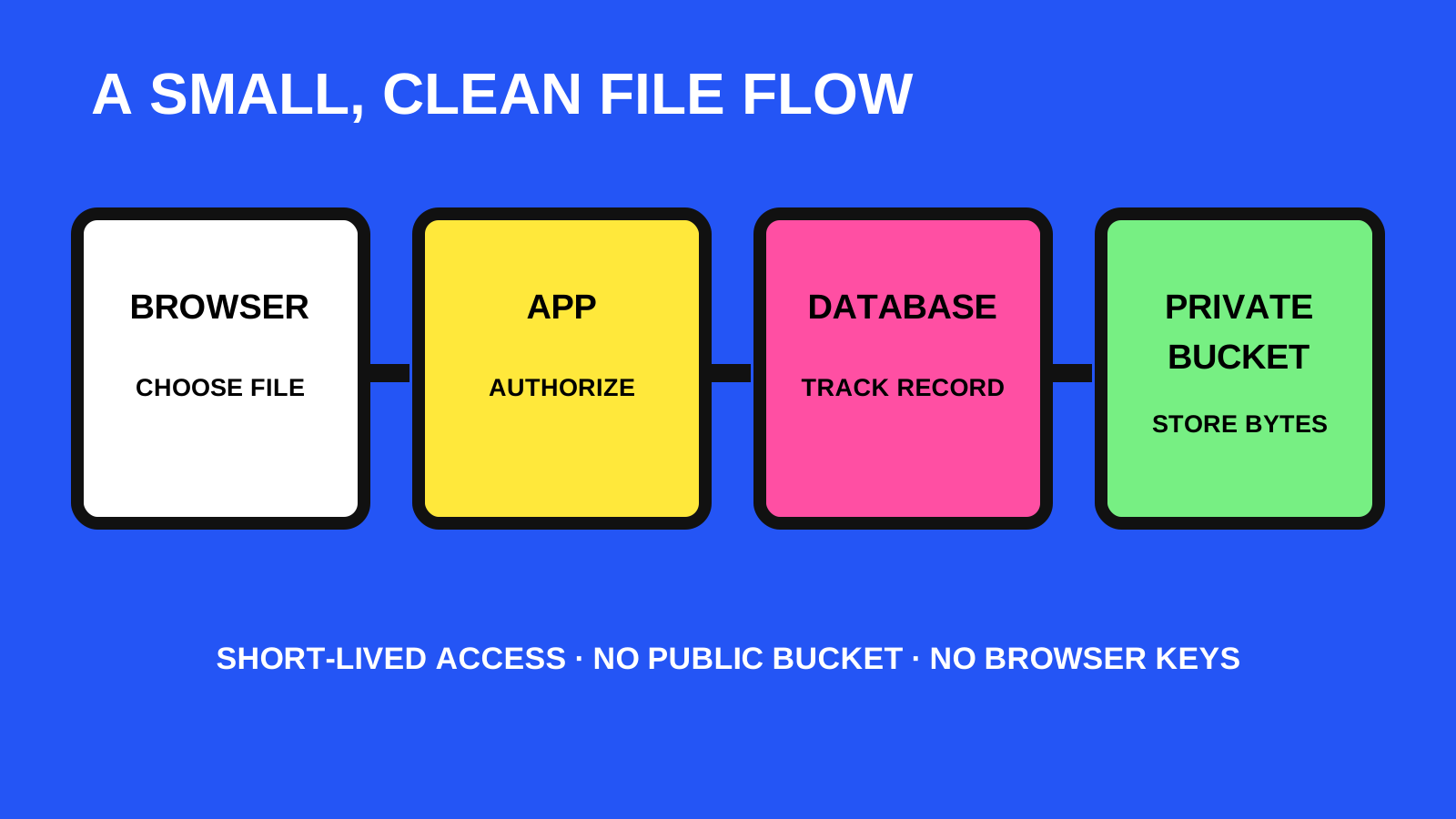
Keep relational facts in the database: who owns a file, its display name, content type, size, object key, status and creation time. Store the file bytes in a private bucket. The application authorizes the user, then issues a short-lived path for the permitted operation.
AWS presigned URLs grant time-limited access using the permissions of the identity that created them. They can let a browser upload or download an object without placing permanent cloud credentials in the browser and without making the entire bucket public.
- Database: ownership, status and searchable metadata.
- Private bucket: the actual file bytes.
- Application: authorization and object-key generation.
- Presigned URL: narrowly timed upload or download access.
- Background job: validation, thumbnails, cleanup or archival when needed.
Private by default still needs deliberate configuration
AWS states that S3 buckets and objects are private by default and recommends keeping Block Public Access enabled unless the use case explicitly requires otherwise. Grant the application only the bucket actions and key prefixes it needs rather than broad account-wide access.
Treat a presigned URL like a temporary bearer link: anyone who receives it can use it until it expires, subject to the permissions and conditions behind it. Keep expirations short enough for the task, avoid logging full signed URLs, validate file type and size in the application flow, and use unpredictable object keys.
- Keep Block Public Access enabled for private application data.
- Use a dedicated application identity with least-privilege permissions.
- Separate public assets from private uploads when their policies differ.
- Never place long-lived AWS access keys in browser code.
- Record object keys, not temporary signed query strings.
Plan recovery and cost before moving the first upload
Object storage does not remove the need for recovery design. S3 Versioning can retain multiple variants and help recover from accidental deletion or overwrite, but it is disabled by default and every retained version consumes billable storage.
Define lifecycle rules only after deciding how long current and noncurrent versions must remain. Include storage, requests, data transfer, old versions and incomplete uploads in the cost review. The cheapest-looking storage class is not automatically the cheapest complete workflow.
- Decide whether versioning is required and test a restore.
- Set retention for current objects, old versions and deleted data.
- Track request and transfer patterns as well as stored gigabytes.
- Alert on failed uploads and unfinished multipart uploads.
- Keep a separate backup when the recovery requirement calls for an independent copy.
Use this migration checklist
Before changing storage, inventory the existing files and classify them as temporary, application-owned, user-owned or backup data. Choose stable object keys, define metadata, create a reversible copy process and verify every transferred object before switching reads.
A small project does not need an elaborate storage platform on day one. It does need an honest boundary: temporary files may disappear, persistent files have a named owner and recovery path, and no deployment silently becomes the only copy.
- Inventory file locations, owners, sizes and access paths.
- Choose which files remain local and which become objects.
- Define private access, upload limits and object-key rules.
- Copy first; compare counts and hashes; switch reads only after verification.
- Keep rollback instructions until the new path is proven.
- Test deletion, restore and a full application redeployment.