The problem: a verified file can still be the wrong upgrade
A familiar project name and a successful download can make a release feel ready to install. Neither shows whether the file is the intended artifact or whether the new version fits the system that will use it.
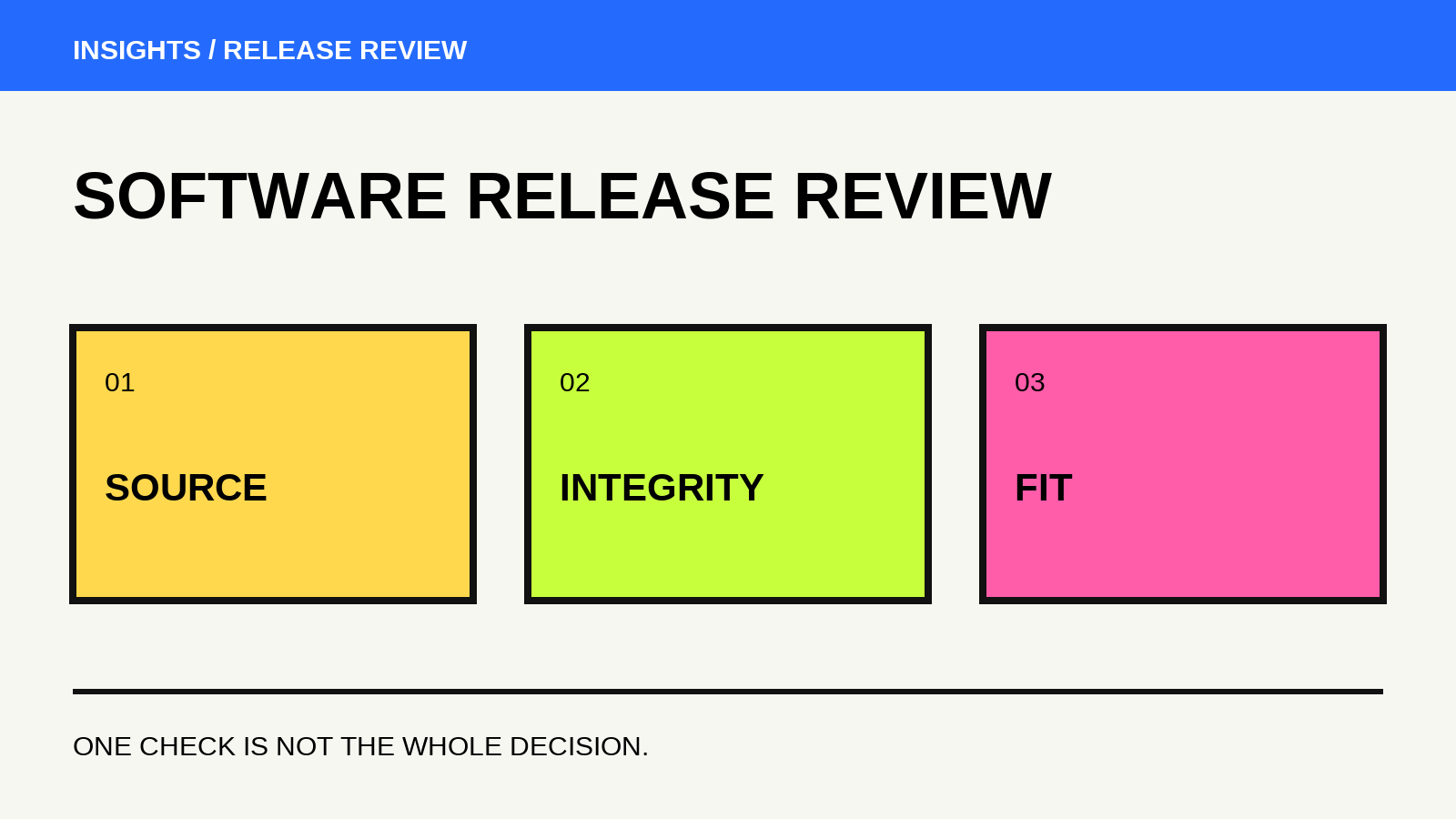
The review has three separate questions: source, integrity and operational fit. Verification can establish that an artifact matches a published release. It does not establish that the software is free of vulnerabilities, compatible with your workflow or safe to deploy without a recovery plan.
The concern: one change can affect more than one tool
An upgrade can change output formats, supported runtimes, configuration or stored data. Even when the program starts successfully, a dependent script or integration may behave differently. The concern is both trust in the downloaded artifact and the consequences of adopting it.
Record the reason for upgrading and the workflow you need to preserve. A security update may require a faster decision, but urgency should clarify the affected component, owner and essential checks rather than expand the maintenance window to unrelated changes.
Where it applies: tools, services and their dependencies
This review applies when adopting a new version of a command-line tool, application, library or self-hosted service. The integrity example here uses GitHub immutable releases; projects distributed through package registries or other channels require their own documented verification methods.
- Downloaded tools: confirm the exact project, release, platform and attached asset.
- Automation and integrations: test the output or API contract that dependent workflows expect.
- Stateful services: review migrations, backup recovery and downgrade constraints before modifying stored data.
- Shared systems: identify users, integrations and operators affected by the rollout.
- Security fixes: use the vendor's advisory to establish applicability and prioritize the necessary change.
Example scenario: an exporter changes its output
Consider a fictional team evaluating a new command-line exporter. The downloaded binary matches the official release asset, but a synthetic fixture shows that one output field changed. A downstream report expects the old field and fails its check.
This is a compatibility finding, not evidence of tampering. The team pauses adoption, records the version and test result, and resolves the consumer change before rollout. No customer incident or measured result is claimed here.
A database upgrade needs different evidence: keeping the previous binary may not reverse a data migration. The recovery plan must match what the release changes.
Resolution: separate source, integrity and fit
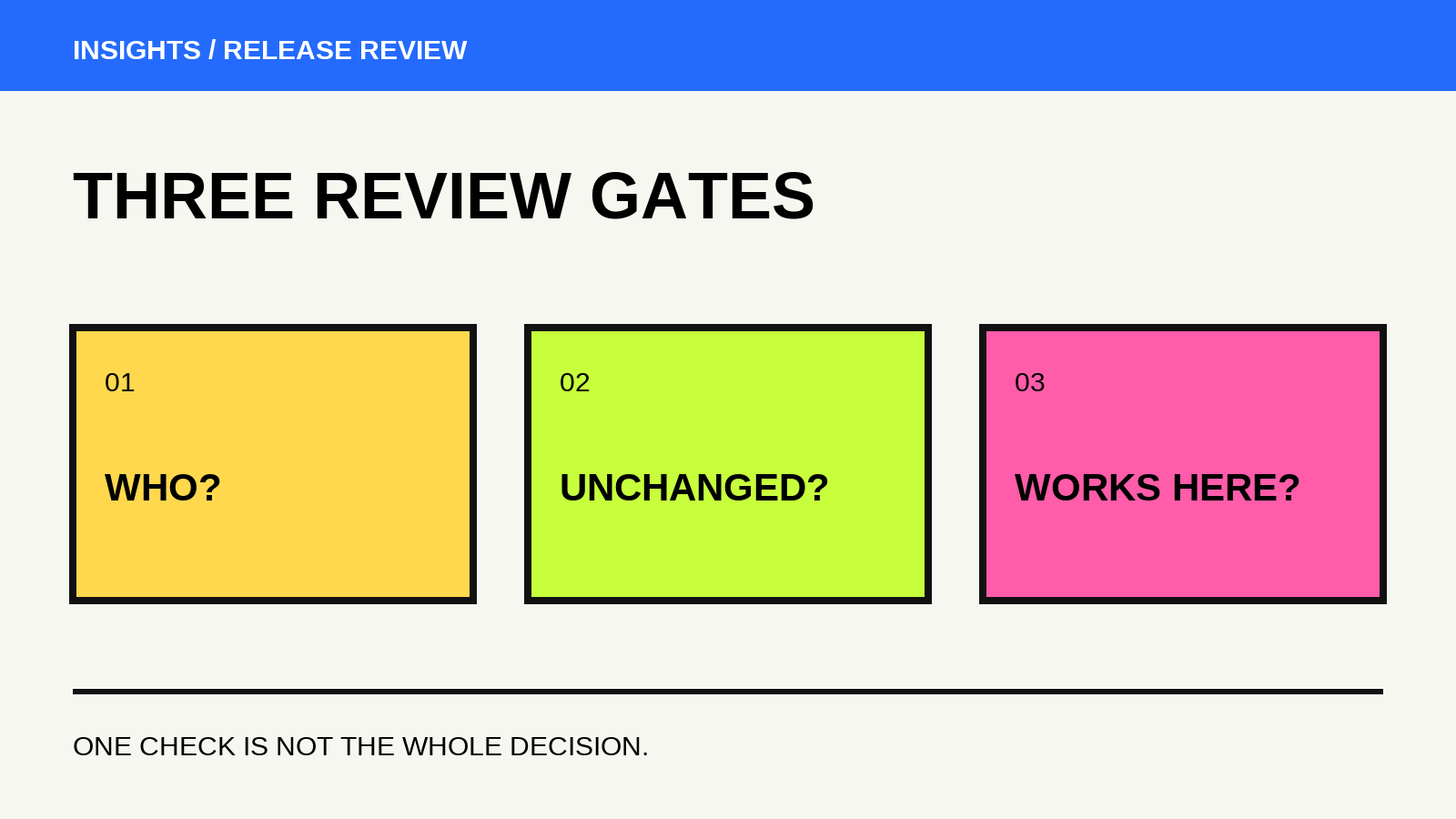
First, reach the project through its established website or repository and identify the exact version and asset. Read the release notes and runtime requirements. Then use the publisher's verification method for that artifact; stop and investigate a mismatch through the official project channel.
For a GitHub release marked Immutable, the attached assets and associated tag are protected from later modification; titles and release notes can still change. GitHub documents separate CLI checks for the release and for matching a local file to an attached asset. Its asset check excludes automatically generated source ZIP and tarball downloads. Follow the current documentation rather than treating the label as a complete review.
Finally, test the workflow you depend on using non-sensitive fixtures in an appropriate test environment. Record the result and recovery constraints. An integrity pass does not override a failed compatibility test.
Recommendations: keep a compact adoption record
My recommendation is to keep the evidence in one review record. A short, concrete note makes the rollout decision easier to inspect and avoids relying on a screenshot of a badge.
- Source: official project URL, version and exact artifact filename.
- Reason: why the upgrade is needed and which components are affected.
- Integrity: verification method, result and any unresolved mismatch.
- Compatibility: representative workflow, fixture and observed result.
- Recovery: previous version, data recovery method and downgrade limitations.
- Ownership: reviewer, rollout owner, stop condition and follow-up check.
Conclusion: adopt the release, not just the download
A useful release review ends with evidence about both the file and the system that will run it. Knowing its source, verifying the applicable artifact and testing the workflow are separate responsibilities.
Start with the next upgrade already on your list. Record the checks that matter to that change and resolve the gaps before rollout. For help making review and recovery steps clearer, bring a specific system workflow to a conversation. GitHub primary documentation reviewed November 18, 2026.