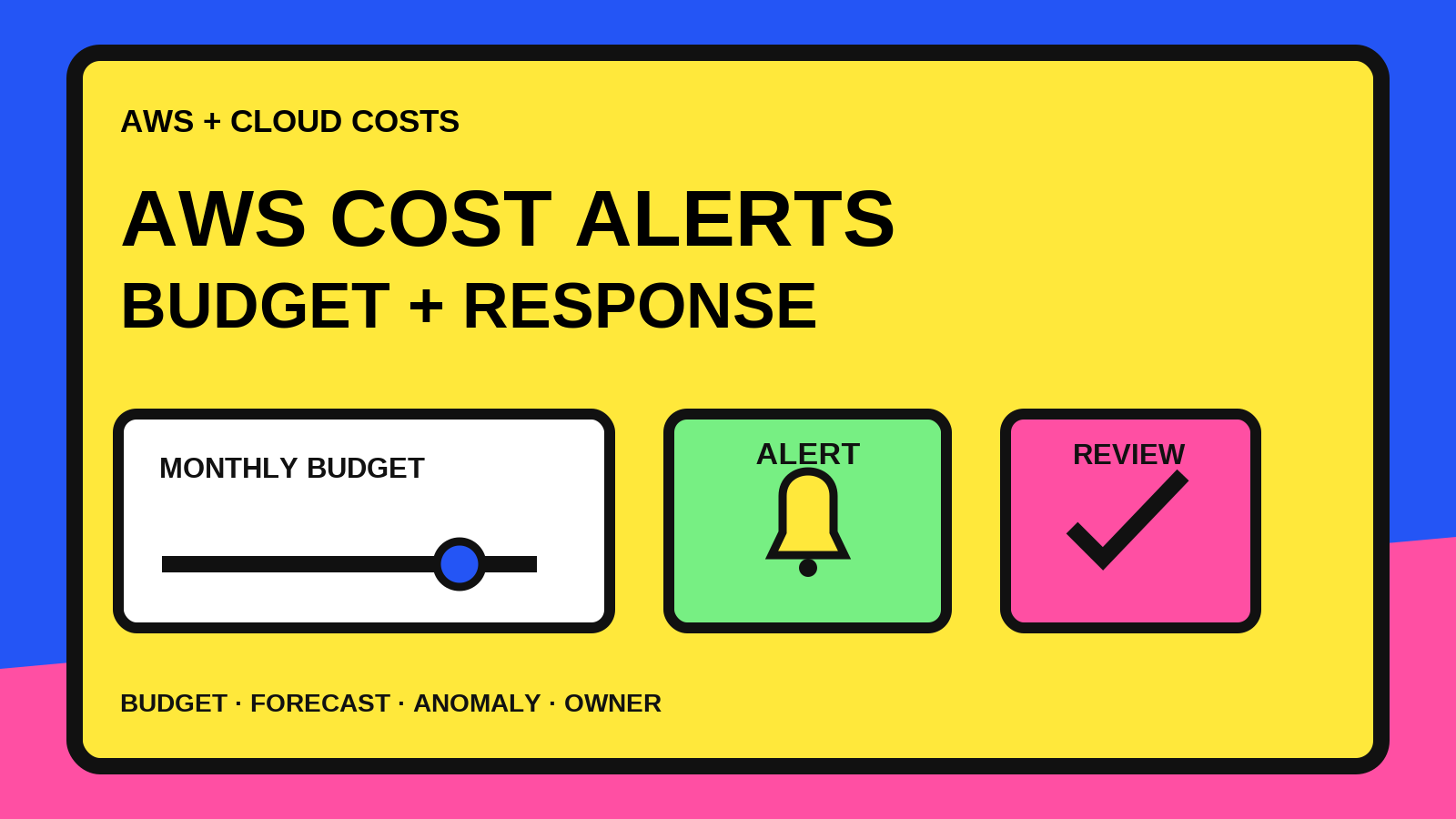
The problem: spending changes before anyone notices
A small cloud workload can produce several types of usage while attention stays on the application. Without a cost signal, the first meaningful review may happen after the project has already exceeded what its owner intended to spend.
AWS Budgets can notify recipients about actual or forecasted costs. The useful decision is not simply to enable email: define what spending needs attention, who investigates and which action they are authorized to take.
The concern: an alert is not a spending cap
Budget data is updated periodically, not continuously. Usage can keep accumulating before an alert reaches its recipient. Forecasts are estimates and should not be treated as a guaranteed final bill.
A notification also cannot create ownership. An unread mailbox, a broad budget nobody understands or a threshold without a response plan leaves the same uncertainty in place. Treat alerts as review signals, not proof that overspending is impossible.
Where it applies: accounts, projects and services
This is useful for an AWS learning account, development environment, demo or ongoing workload. Decide whether the budget covers the whole account or a defined project scope before choosing the amount.
- Shared account: check which services and projects are included so one team's usage does not hide another's.
- Project budget: confirm that the chosen filters and cost-allocation data identify the intended resources.
- New workload: review early usage because the planned architecture may omit storage, transfer or supporting services.
- Existing workload: revisit thresholds when its purpose or scale changes.
Example scenario: a demo approaches its review threshold
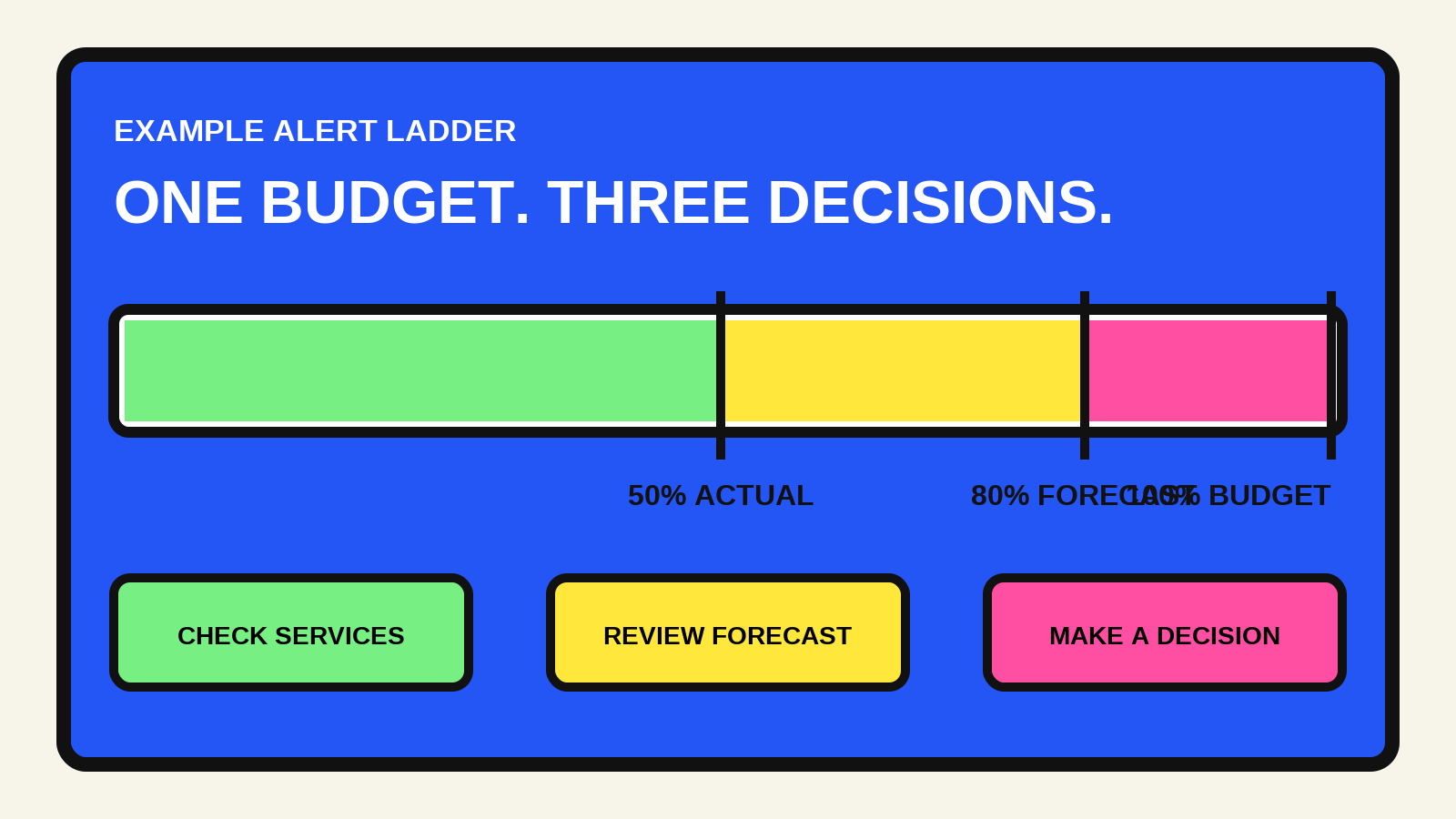
Imagine a fictional demo with a fixed monthly allowance. Its owner chooses an early actual-cost notification and a forecast notification, each tied to a review action. These are planning choices, not recommended percentages for every account.
When the early notification arrives, the reviewer checks which services drove the usage and compares them with the demo plan. They find an environment that was deliberately kept available for another review. The next decision is whether to retain it, change the test schedule or request a different allowance—not to delete resources automatically.
Resolution: connect each warning to a decision
Create a clearly scoped cost budget using the current AWS guidance, choose the relevant actual and forecast thresholds, and confirm that intended recipients can receive its notifications. Record the scope, thresholds, response owner and review procedure beside the project notes.
For each warning, inspect the billing period, service and usage details before changing resources. Identify whether the increase reflects intended work, retained resources or an unexplained change. Record the decision and follow up after reporting has updated.
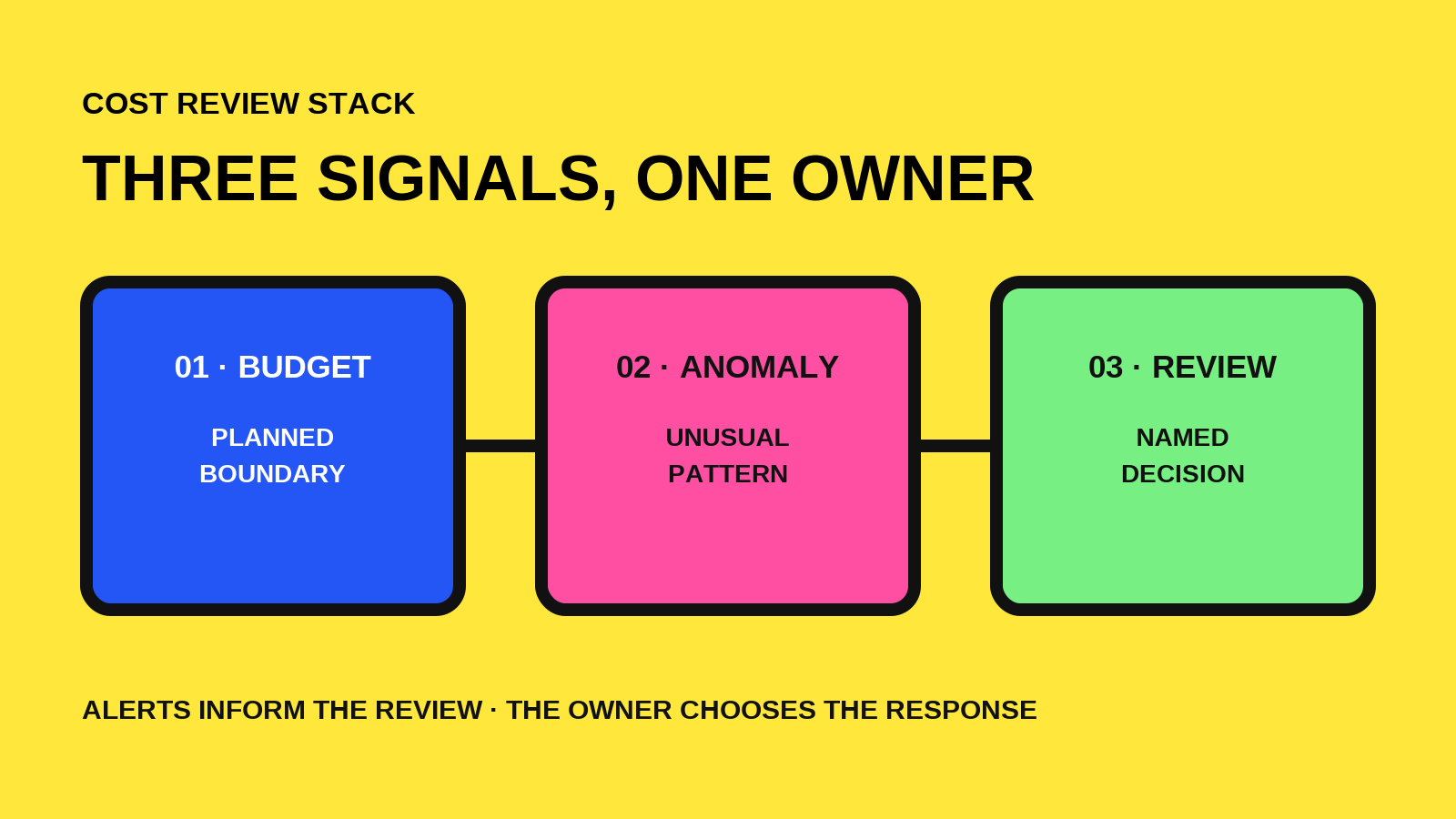
Cost Anomaly Detection can add a separate unusual-spend signal. It needs a monitor and alert subscription and has its own data and timing limits. Automated budget actions are a separate operational choice that needs permission and impact review.
Recommendations: keep the response small and explicit
Use the fewest notifications that lead to useful action. My recommendation is to make the response record as visible as the budget itself.
- Name the account or project scope, amount and reason for the boundary.
- Choose thresholds with enough room for delayed information and human response.
- Confirm the recipient and backup owner; review them after personnel changes.
- Write the first investigation step and escalation decision for every threshold.
- Review early usage and repeat the check after meaningful workload changes.
- Retain recovery and ownership checks before stopping or removing resources.
Conclusion: warnings need an owner
A useful AWS cost alert connects spending evidence to someone who can make a decision. Scope, delivery and response matter as much as the threshold.
Set up that review loop before the next workload launches. For help defining the operational boundaries of a cloud project, bring its expected lifetime and spending review needs into the planning conversation. AWS Budgets primary guidance reviewed November 18, 2026.