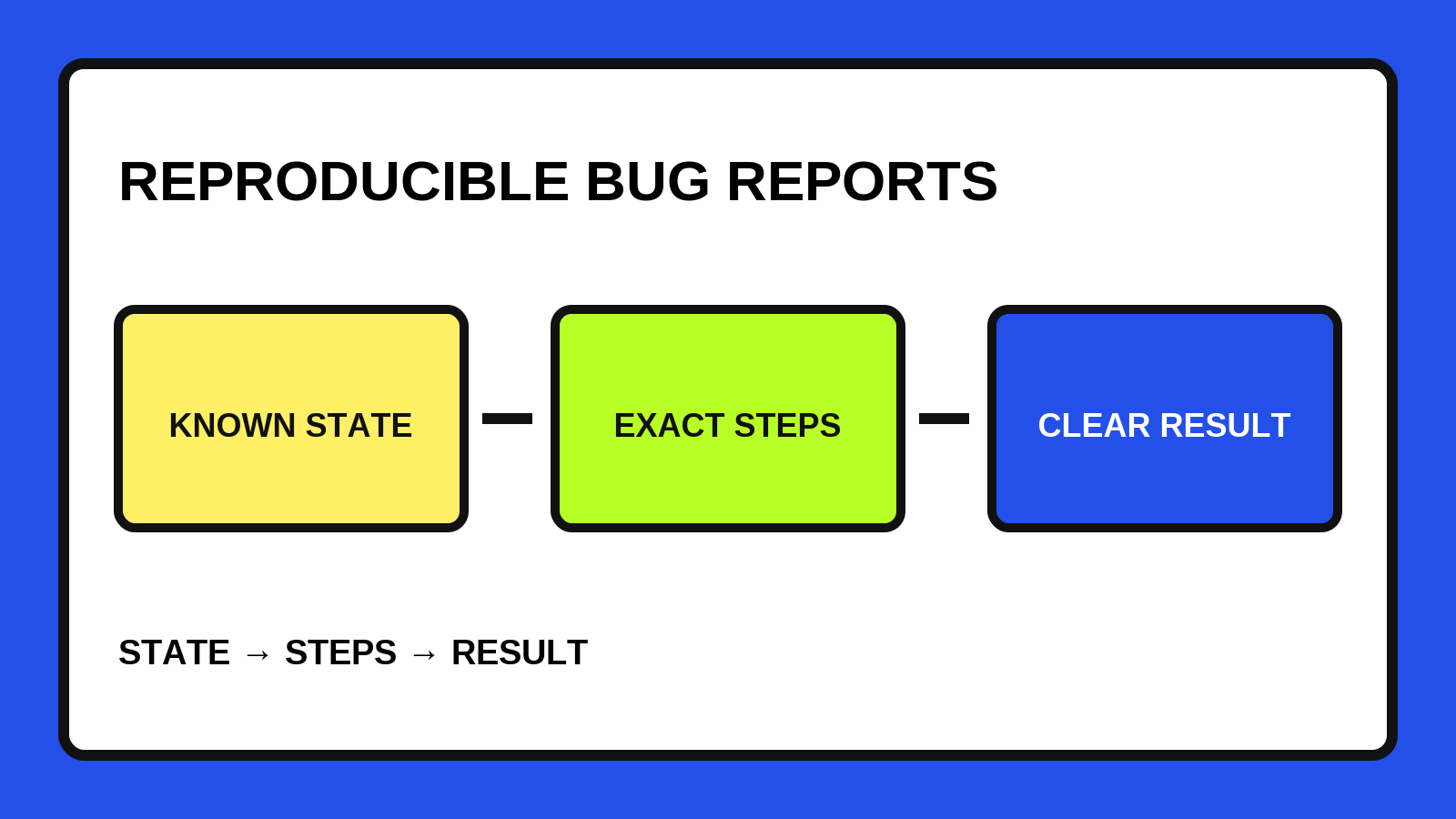
The problem: a symptom without a route back
“Save is broken” identifies frustration, but it does not tell a teammate where to start or what happened. A report that omits the initial state forces the investigator to guess before they can compare results.
The purpose of a bug report is to preserve an observable path: starting conditions, ordered actions, expected behavior and actual behavior. A reporter can supply that evidence without diagnosing the root cause.
The concern: missing context becomes misleading certainty
Different builds, roles or records can produce different behavior. If a report leaves those conditions out, a failed reproduction may mean the setup differs rather than that the defect is imaginary.
Keep observations separate from explanations. An unchanged task list is observable. A database failure is a hypothesis unless supported by evidence. Report uncertainty and repeatability honestly instead of assigning an invented cause or severity.
Where it applies: the workflow and people affected
This format suits web applications, internal tools and public project issues. Record the affected workflow, environment and role, then describe the impact you actually verified.
- Environment: local, preview, staging or production, with the relevant version or build.
- User scope: which role or starting state exposes the symptom, without naming private users.
- Workflow: what cannot be completed and whether a checked workaround exists.
- Evidence: the smallest useful sanitized screenshot, recording or error excerpt.
- Security or private data: use the project's approved private channel when public reporting would disclose sensitive information.
Example scenario: a task list shows the old title
In a fictional task app, the requirement says saving a title updates the list. A test user edits a synthetic task, sees a success message and returns to a list that still displays the old title.
A report should preserve that sequence rather than infer that the record was not saved. Opening the record again is a separate check. The example below is invented, not a defect claimed in a client or portfolio project.
- Starting state: test build, standard test-user role, task named Draft checklist.
- Actions: open the task; change its title to Review checklist; select Save once; return to the list.
- Expected: the list shows the edited title under the stated requirement.
- Actual: a success message appears, but the old title remains in the list.
- Retest: reset to the same starting state and repeat; record whether it happens again.
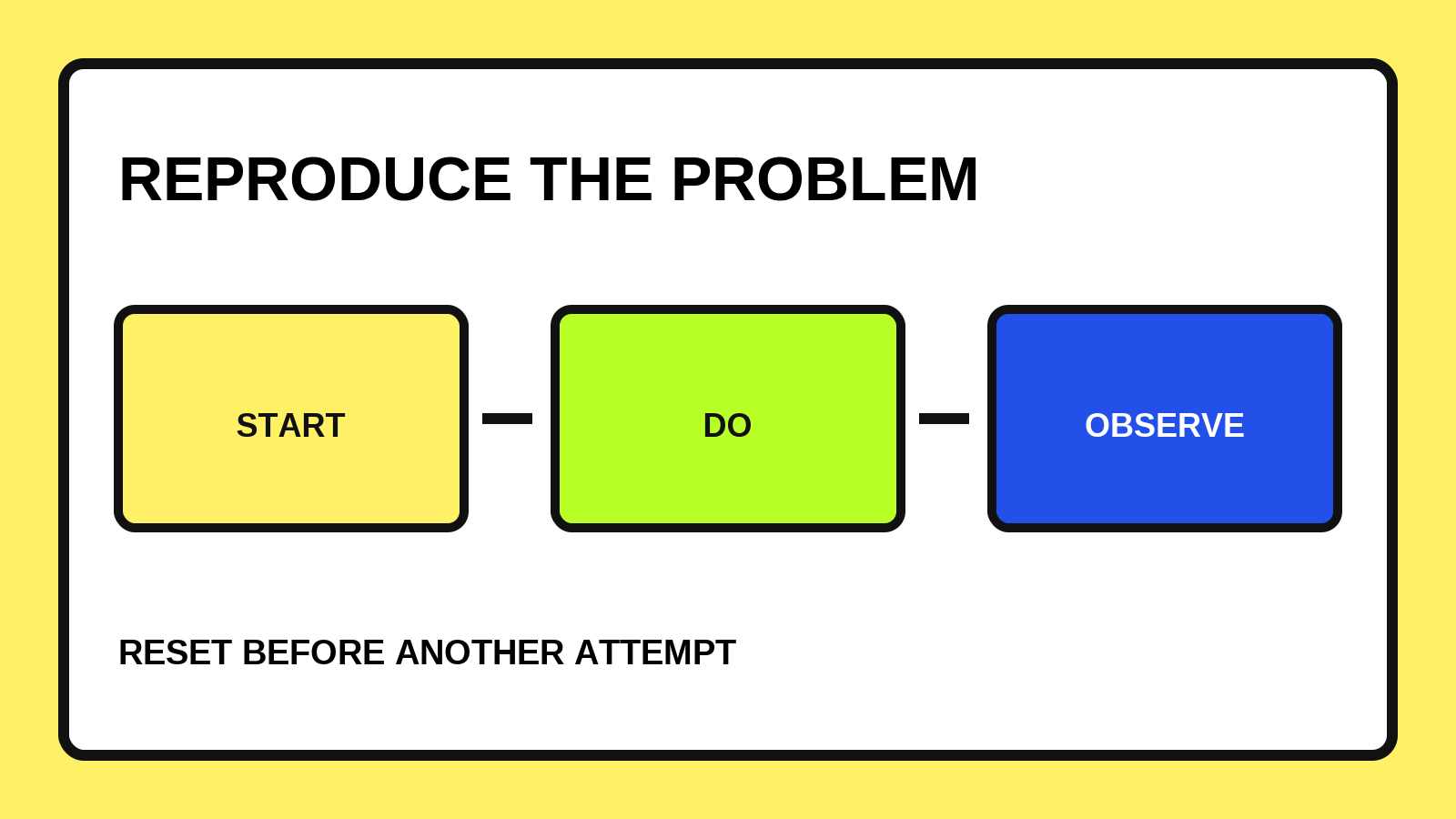
Resolution: make the next attempt repeatable
Search existing reports first. Give the issue a specific symptom-based title and write the shortest sequence you have actually attempted. Include a reset step when one attempt changes the starting state.
Separate expected from actual results, and point to the requirement when available. If the requirement is unclear, label it as a question. Mozilla's bug-writing guidance uses this separation; apply the general reporting principle without copying browser-specific troubleshooting into unrelated systems.
After a proposed fix, repeat the original steps and compare the result. Check a nearby behavior, such as reopening the edited record, when it tests whether the full workflow recovered.
Recommendations: preserve evidence, not entire sessions
A short report template can prevent repeated omissions, but required fields cannot make an uncertain observation true. Write “not checked” where appropriate.
- Use: title, environment, starting state, steps, expected, actual, repeatability, impact, evidence and retest.
- Inspect URLs, logs, recordings and request data for secrets or unrelated personal information.
- Explain what each attachment demonstrates; steps should remain readable without it.
- Record timestamps and timezone only when needed to correlate events.
- Keep suspected causes separate and update them when evidence changes.
Conclusion: a useful report enables a fresh attempt
The next person should know where to begin, what to do and which result to compare. That is more valuable than an impressive-sounding diagnosis without evidence.
Try the format on one issue in a project you control. If the reporting workflow itself is unclear, discuss the handoff before adding more tooling. Mozilla primary reporting guidance reviewed November 18, 2026.