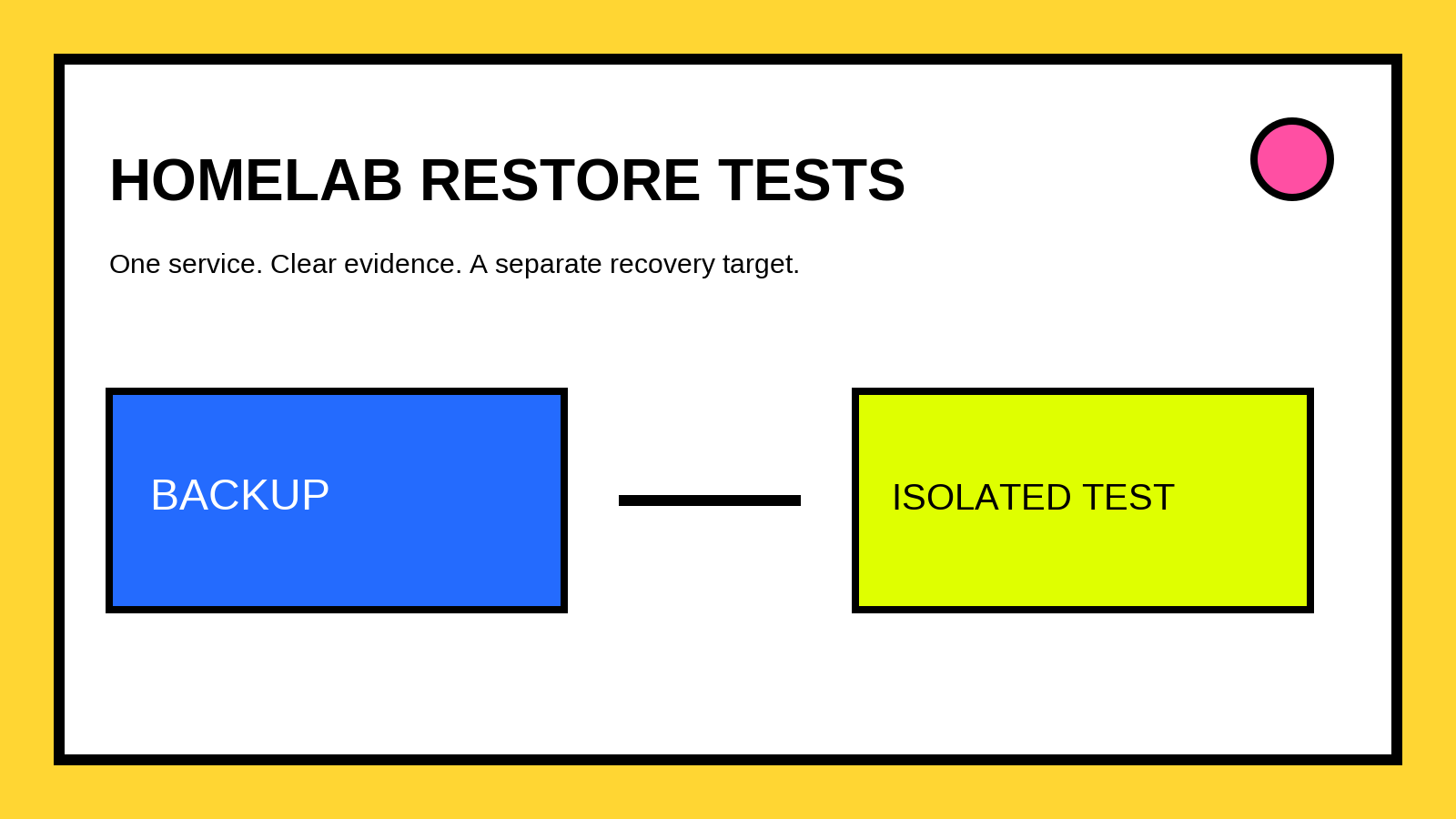
The problem: backup completion is not proof of recovery
A completed backup job shows that its process finished. It does not by itself establish that the available files, configuration, access and instructions can restore a usable service.
A small homelab exercise can test those assumptions while the original system remains available. Choose one non-critical service rather than turning the first test into a rebuild of the whole lab.
The concern: a restore can expose gaps or cause side effects
The missing prerequisite may be a key location, application version, mount or recovery step. Discovering it only after the original machine fails makes investigation harder.
The recovered application can also resume scheduled jobs, emails or webhook processing. A test target must be isolated and checked before it is started; do not let convenience connect the exercise to live data or integrations.
Where it applies: one service and its recovery dependencies
Use this review for a disposable or non-critical homelab service with a supported restore procedure. The exercise covers only the chosen scope, not a recovery guarantee for every system.
- Backup: identify the exact copy and expected data point.
- Application: record the compatible version, configuration and files required.
- Access: confirm the approved recovery and decryption path without copying secrets into shared notes.
- Target: use a separate destination that cannot overwrite the original.
- External effects: isolate schedulers, notifications and integrations.
- Acceptance: choose a known synthetic record and representative user action.
Example scenario: the note opens but its attachment does not
Imagine restoring a fictional notes app into an isolated target. The application starts and the synthetic note opens, but its attachment is missing. The process check passed while the chosen recovery task did not.
The next step is to check whether the backup scope and recovery instructions include the attachment storage. Record the missing dependency without declaring the entire lab recoverable or the original data lost. This is a planned example, not an incident claim.
Resolution: restore separately and check the defined result
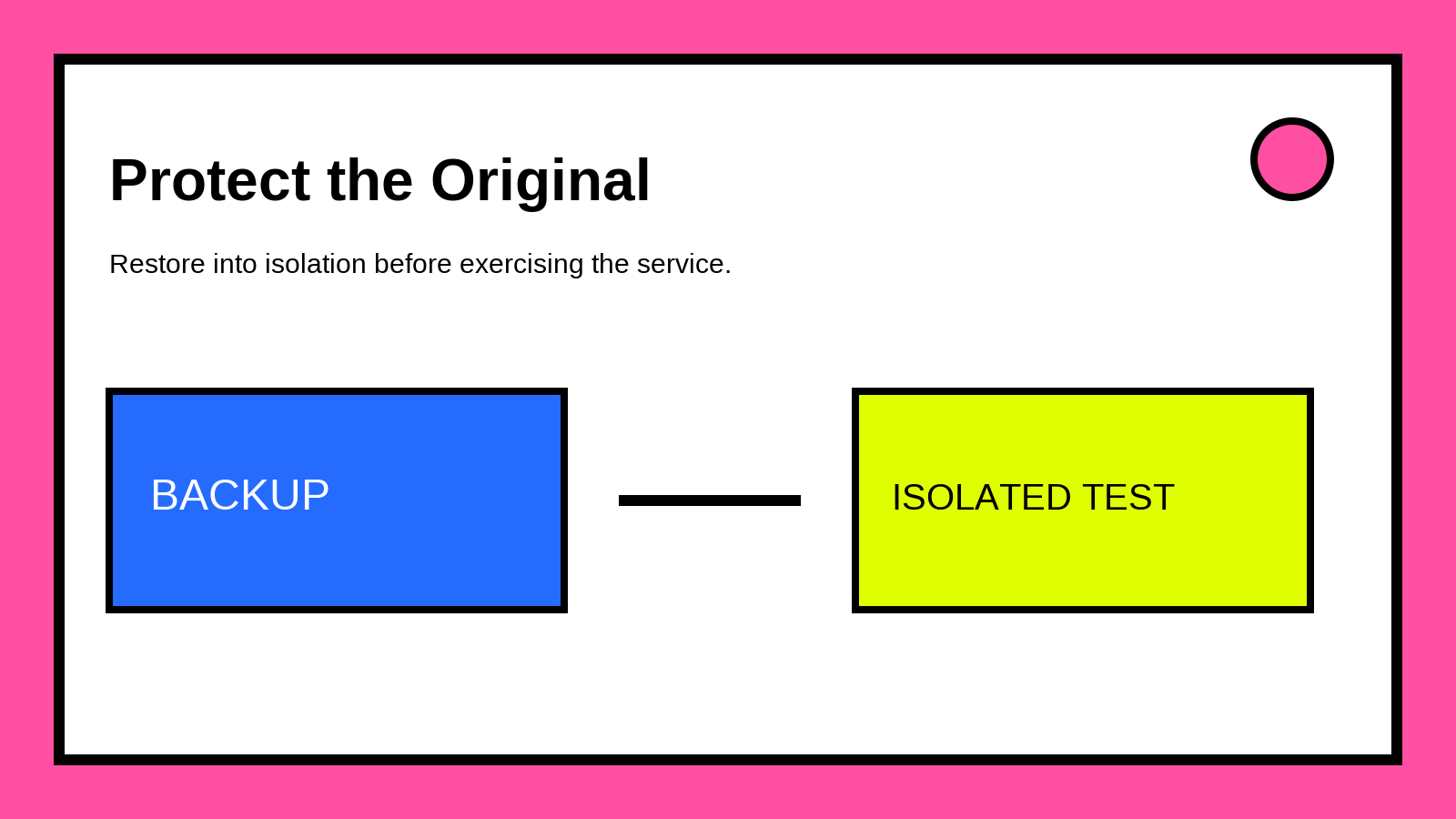
Choose what recovered means before selecting the command. Follow the backup tool's supported procedure in the disposable target and confirm the destination before starting. Keep it separate from the original network identity and live resources.
Run the acceptance checks defined at the beginning. Distinguish the recovered data, application startup and actual workflow result. Record passed, failed and untested checks along with missing prerequisites or manual fixes.
NCSC's backup guidance recommends regular testing. Apply that principle through a bounded exercise: address the gap, update the recovery note and repeat the same test before expanding its scope.
Recommendations: keep evidence beside the recovery note
My recommendation is a dated exercise record that another operator can follow without relying on the original container or machine.
- Record the service, backup identifier, isolated target and expected data.
- Confirm access, application dependencies and the stop condition in advance.
- Use synthetic records and control any test writes and cleanup.
- Record what actually worked rather than a generic success badge.
- If timing the exercise, preserve its scope and starting point.
- Remove the disposable target safely and revisit the test after meaningful storage or backup changes.
Conclusion: test a recoverable service, not a reassuring label
One isolated restore provides evidence about a particular service and backup. It is useful precisely because its scope and gaps can be explained.
Start small, protect the original and improve the note from what you observe. Explore the backup checklist or discuss an infrastructure workflow if the recovery boundary needs clarification. NCSC primary backup guidance reviewed November 19, 2026.