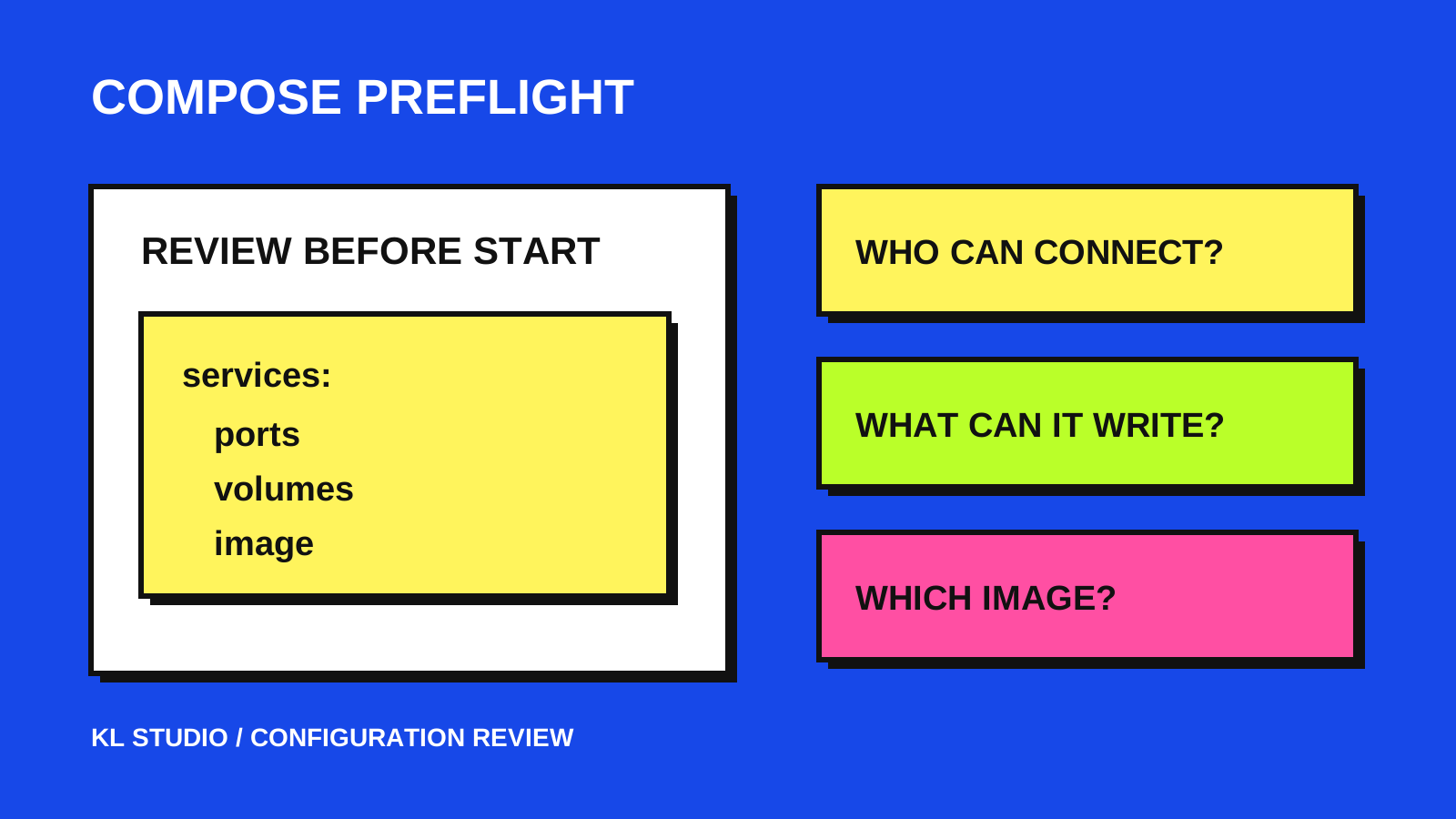
A valid configuration still needs a deliberate review
A Compose file can parse correctly and still publish a database port you intended to keep local, give a container write access to a host directory, or leave its image reference less predictable than you expected. Before starting a small stack, review the choices the file makes—not only whether the YAML is valid.
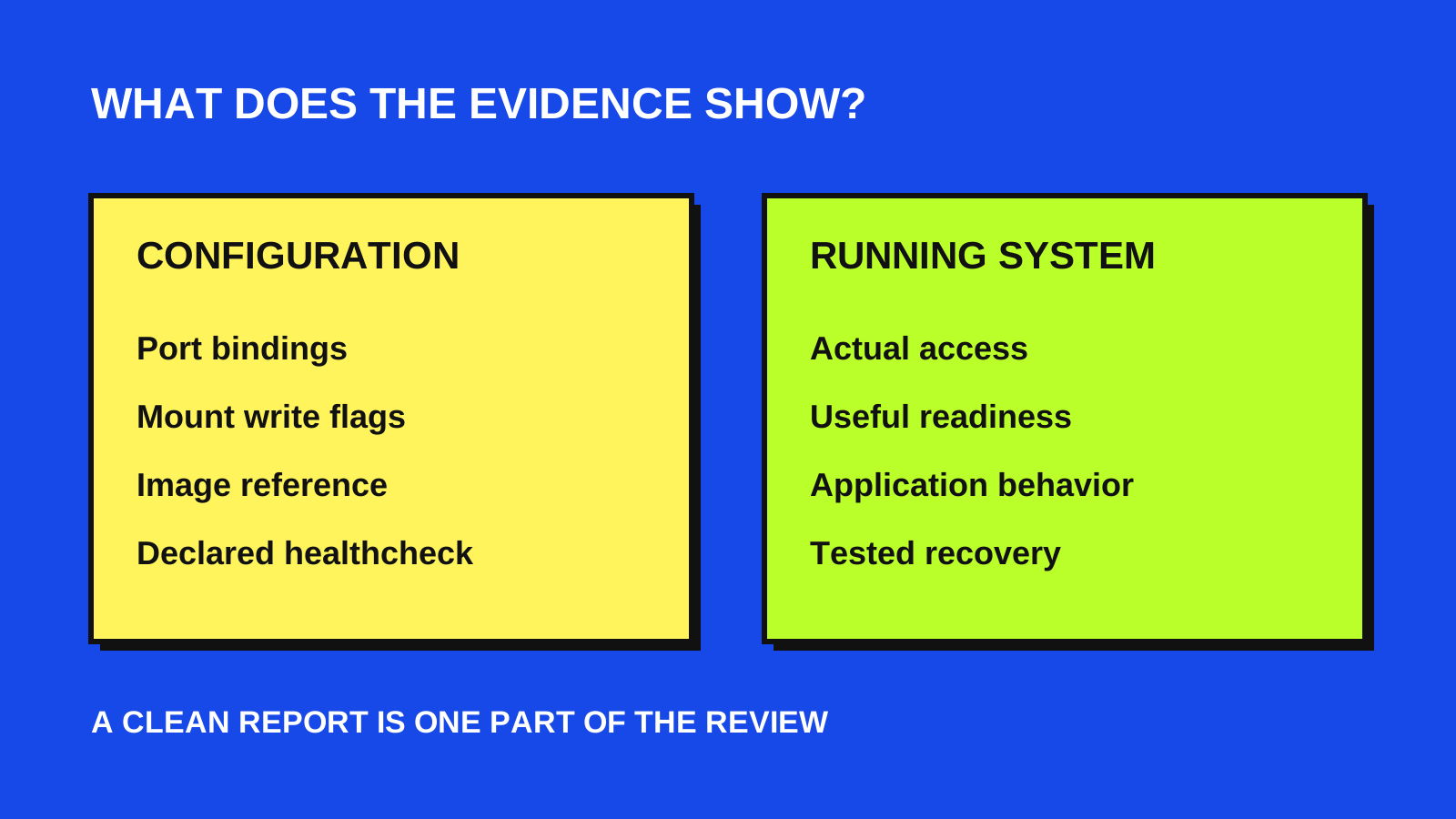
This checklist is for a developer or home-lab operator preparing a stack they control. It separates configuration evidence from questions that require a running system. Docker’s official documentation was checked on October 10, 2026; use the references beside each step when your environment differs.
1. Validate the exact inputs you will use
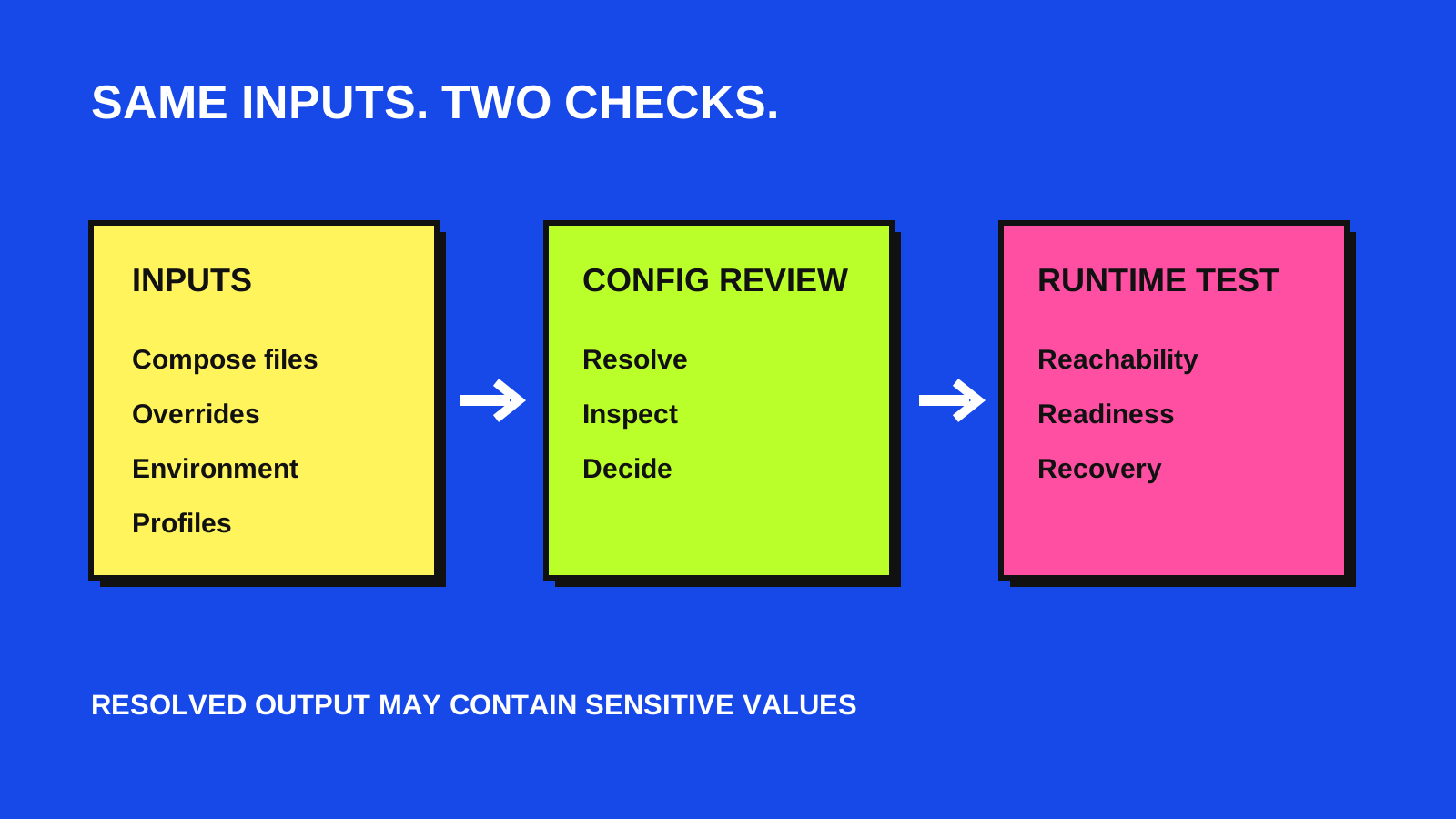
From the stack directory, run docker compose config --quiet. Use the same -f files, environment inputs and profiles you intend to use when starting the stack. A successful validation applies to those inputs; checking a different override file tells you less about the eventual deployment.
Then inspect docker compose config --format json locally. Docker documents that config merges files, resolves variables and expands short notation into its canonical model. This makes it easier to review the final service definitions rather than mentally combine several source files.
Treat resolved output as sensitive. It may contain environment values supplied by your local configuration. Do not paste the full output into a public issue or commit it as a sample. If you save it for a local tool, restrict access and remove it when the review is finished.
2. Check who should reach each published port
For each published port, write down the intended audience: other services in the stack, this host only, a private network, or public users. In Docker’s default bridge-network setup, publishing a port without a host address makes it available on the host’s network addresses. That is a wider choice than a local-only development endpoint.
For a host-only endpoint, review an explicit loopback binding such as 127.0.0.1:8080:80. Docker notes an important exception for Engine releases older than 28.0.0: machines on the same layer-2 network may reach localhost-published ports. Network routing, platform behavior and firewall policy still deserve a separate check.
A public-port finding is a review prompt, not proof that the service is reachable from the internet. Confirm the host’s actual network path and test access from the intended locations after startup.
- Internal dependency: first ask whether it needs a published host port at all.
- Local tool: review loopback binding and the Docker Engine version.
- Shared or public service: document the audience, authentication and intended network restrictions.
3. Review host access and writable mounts
Ask why a service needs privileged mode or host networking. Elevated privileges and access to the host network should be intentional requirements, with their platform-specific behavior understood. Avoid retaining these settings simply because they appeared in a sample configuration.
List every bind mount and decide whether the container must write to it. A writable bind mount can modify files on the host. Where the service only reads a configuration file or asset directory, consider a read-only mount. Where it must write, check the destination, permissions and recovery plan.
Do not turn every mount read-only without testing: an application may legitimately need writable storage. The goal is to make host access understandable and limited to the job.
4. Make image and readiness choices explicit
An omitted image tag or latest is easy to overlook. An explicit version tag is easier to discuss, but tags can still be reassigned. A digest identifies specific image content; record how you will deliberately update that reference rather than treating a pin as permanent maintenance.
Check how you will know the service is ready. Compose healthchecks can override the image’s Dockerfile healthcheck. Conversely, no healthcheck entry in the Compose file does not establish that the image has none. Check both sources before deciding a check is missing.
Write a meaningful readiness test for the application and confirm it works after startup. The presence of a healthcheck key alone does not prove that its command succeeds or that users can complete the important workflow.
5. Use a small auditor as a second pair of eyes
My public Day 041 project, Docker Compose Auditor, reads normalized Compose JSON and reports focused findings for privileged mode, host networking, omitted or latest image tags, non-loopback published ports, writable host binds and absent Compose healthcheck entries. It does not run Docker or change the configuration.
The tool omits environment-variable values, but its report can still contain service names, image references, host paths and environment key names. Review the report before sharing it. It also does not inspect image contents, prove network isolation, detect every disabled or ineffective healthcheck, or audit every Compose feature.
In its current rules, a non-latest version tag is accepted without requiring a digest. Exit code 0 means no high or warning findings from those focused rules; it can still include informational findings. Use the output to organize human review, not as a deployment certificate.
Finish with a short decision record
Before startup, record the reviewed file set, intended port audiences, necessary host access, image update policy, readiness test and recovery path. Give each unresolved choice an owner. After startup, verify actual reachability, application behavior and the recovery procedure in an appropriate test environment.
The useful result is a stack whose important choices you can explain and revisit. For the hosting decision around that stack, read the related Proxmox guide. If you need help mapping an application’s infrastructure and operating workflow, the Services page is a good starting point.